Enterprise Servers
Mobile Workstation
Tower and Rack Workstation Series

DELL EMC PowerEdge Servers

HPE ProLiant Servers


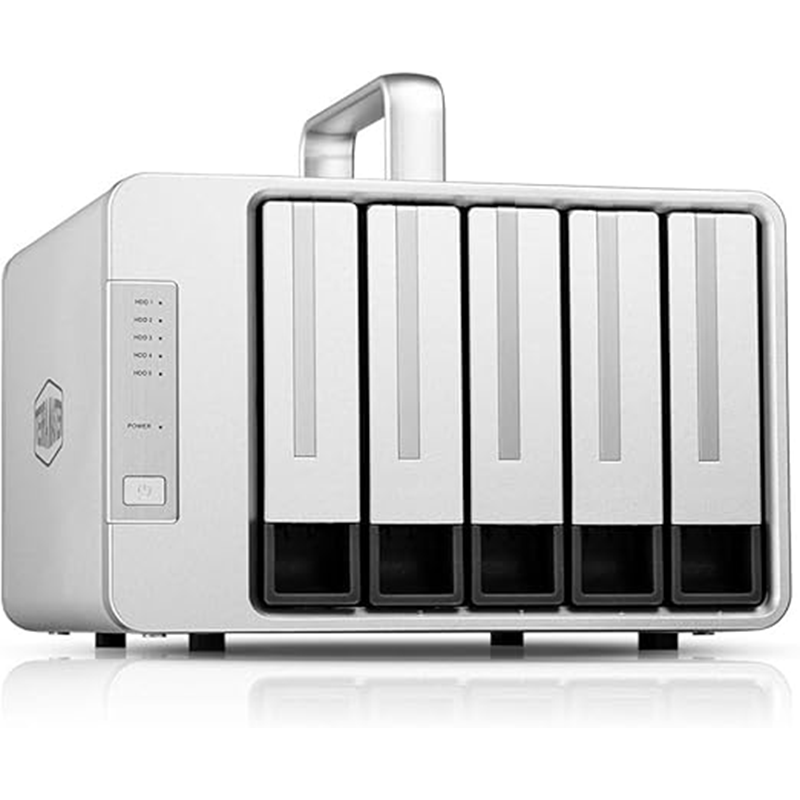


Type: 5‑bay external RAID storage enclosure
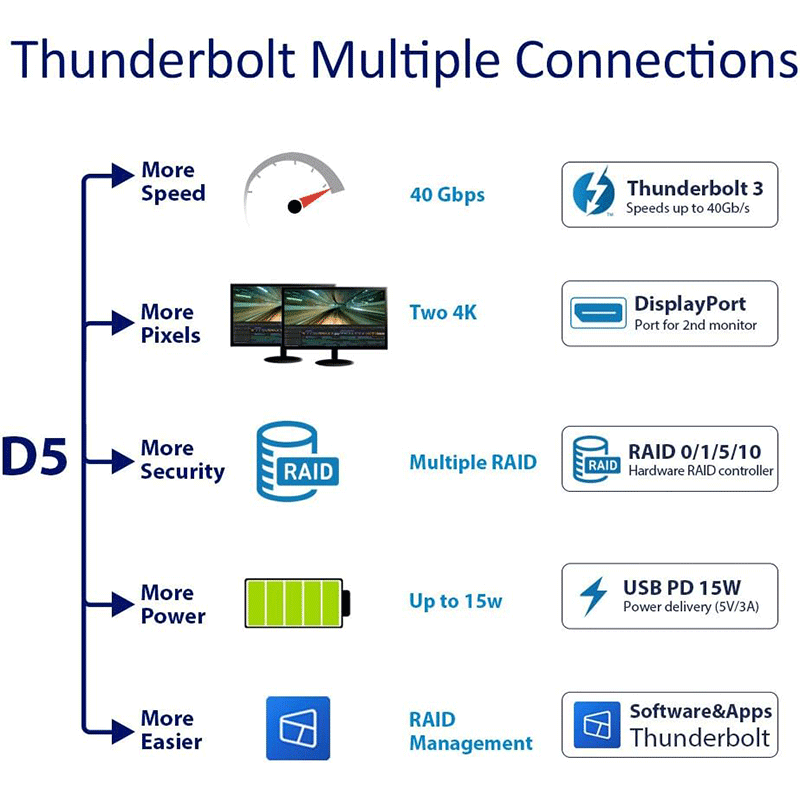
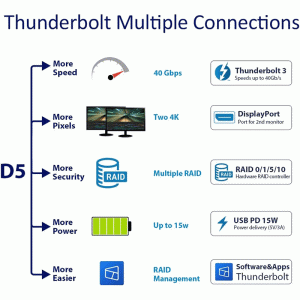
Connectivity: Thunderbolt 3 (40 Gbps) with daisy‑chain support
Storage: Holds 3.5″ HDDs or 2.5″ SSDs (up to ~80 TB total)
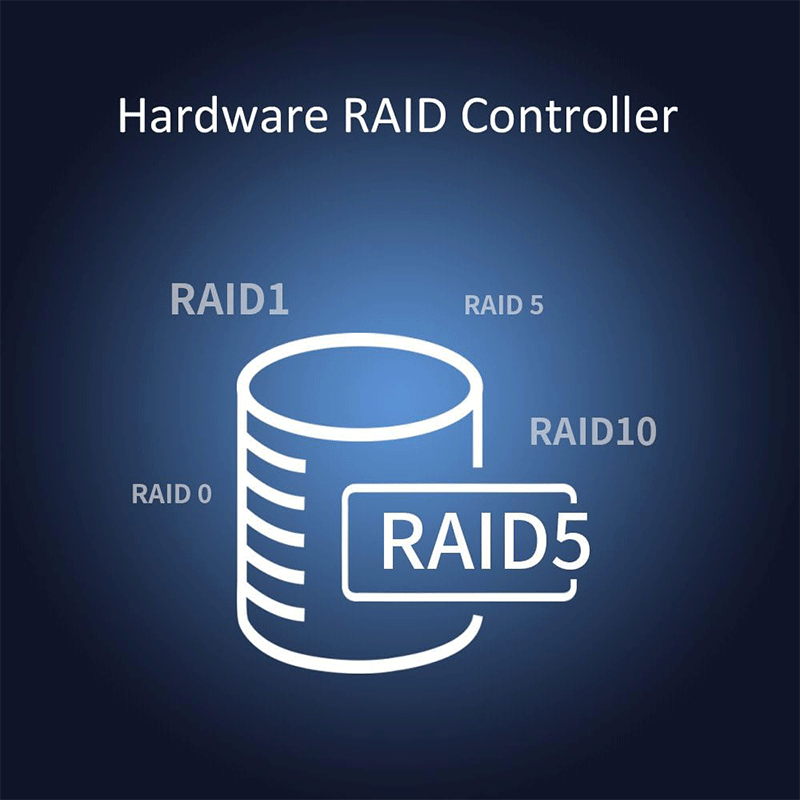
RAID Support: SINGLE, JBOD, RAID 0, RAID 1, RAID 5, RAID 10
Performance: High-speed transfers ideal for 4K/8K video editing
Extras: DisplayPort output for 4K monitor, smart cooling, hardware RAID management
Compatibility: Windows & macOS systems
Use Case: Professional content creation, video editing, media storage, and backup
5 × SATA drive bays (3.5″ HDD / 2.5″ HDD / 2.5″ SSD)
Maximum internal raw capacity: ~80 TB (16 TB × 5)
Supported RAID modes: Single Disk, JBOD, RAID 0, RAID 1, RAID 5, RAID 10
Hardware RAID controller with RAID Manager software
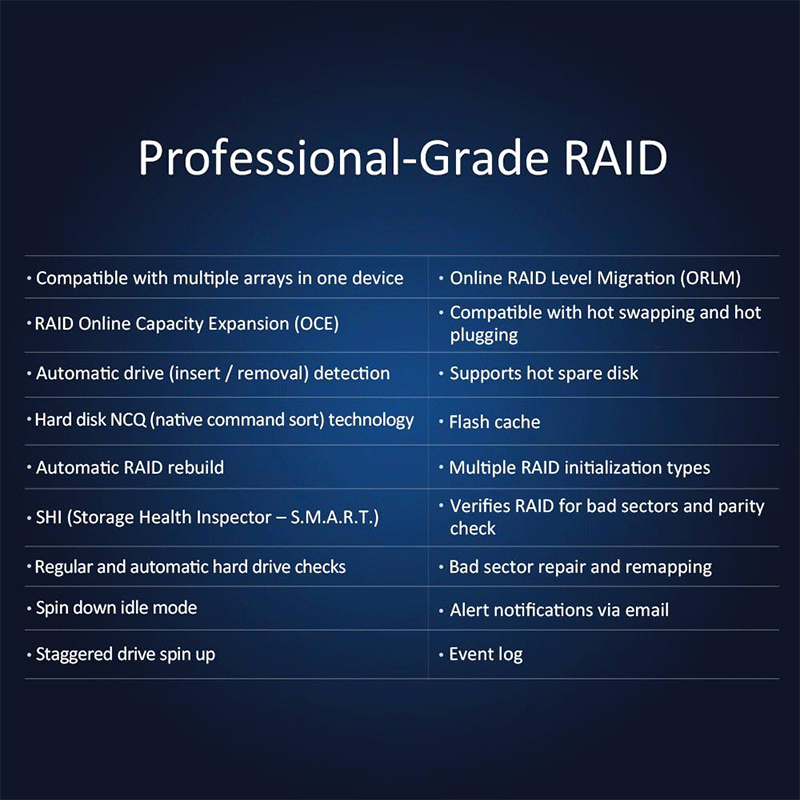
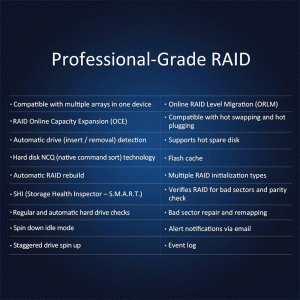
RAID features: online expansion, migration, auto‑rebuild, hot swap, S.M.A.R.T inspection, alerts & event log
Thunderbolt 3 ports: 1 × Thunderbolt 3 (40 Gbps) + 1 × Thunderbolt 3 daisy‑chain
USB host port: USB 3.1 Gen 2 for external USB storage
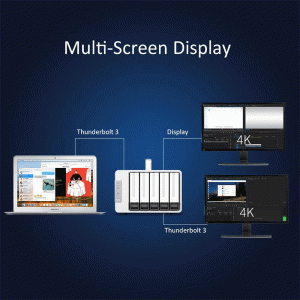
DisplayPort: 1 × DP 1.4 for external monitor connection
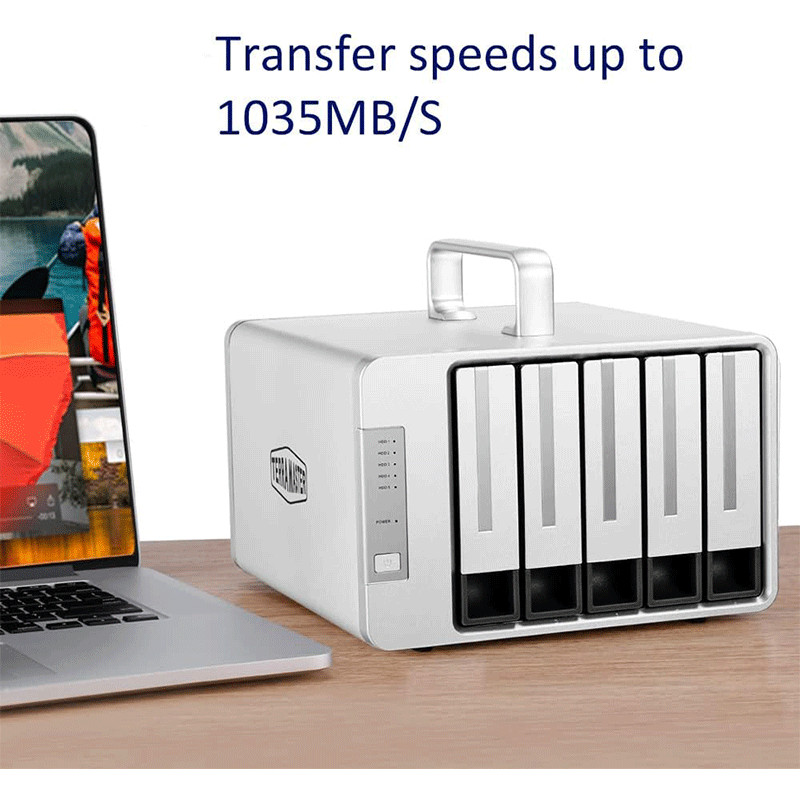
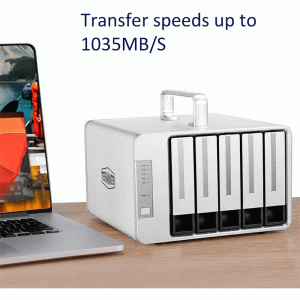
Max read speed: ~1035 MB/s (RAID 0, HDD)
Max write speed: ~917 MB/s (RAID 0, HDD)
Dimensions (H×W×D): 227 × 225 × 176 mm
Net weight: ~2.3 kg
Cooling: 2 × 80 mm smart fans, ~19.8 dB(A) noise
Power supply: 120 W external PSU, 100–240 V AC input
Power consumption (active): ~76.8 W
Operating temperature: 5 °C – 40 °C
Storage temperature: ‑20 °C – 60 °C
Relative humidity: 5 % – 95 % RH
Supported OS: Windows & macOS
File systems supported: NTFS, APFS, Mac OS, FAT32, EXT4, exFAT
Package includes Thunderbolt 3 cable, power adapter, power cord, screws & manual
Warranty: 2 years
The D5‑Thunderbolt 3 uses Thunderbolt 3 connectivity (40 Gbps), which provides extremely fast data transfer between the unit and your computer. This means you can move large files — like 4K video footage or massive project libraries — much quicker than over standard USB connections. It’s ideal for workflows where speed matters, especially in creative and professional environments. Additionally, the Thunderbolt interface supports daisy‑chaining multiple devices, so you can connect up to six Thunderbolt peripherals in series using a single port.
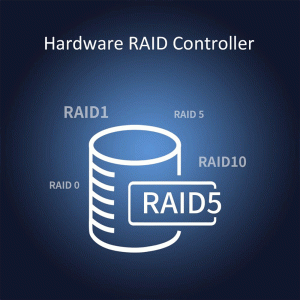
This enclosure holds five SATA drives (3.5″ HDDs or 2.5″ SSDs), allowing huge total capacity (up to around 80 TB with 16 TB drives). You can configure these drives in multiple RAID modes — such as RAID 0, RAID 1, RAID 5, RAID 10, JBOD, or Single Disk — depending on whether you want speed, redundancy, or maximum usable storage. The hardware RAID controller built into the unit handles these RAID configurations independently of your computer, which offers better performance and reliability compared to software RAID.
Beyond basic RAID, the D5‑Thunderbolt 3 supports several professional storage tools:
Online RAID expansion & migration — easy to grow or change RAID types without rebuilding from scratch.
Auto RAID rebuild — if a drive fails, the system can restore it automatically once replaced.
Hot‑swapping — you can change drives without powering off the unit.
S.M.A.R.T. drive health checks and event logs/alerts — help keep tabs on your storage’s status.
These features help ensure your data stays safe, available, and manageable for long‑term projects.
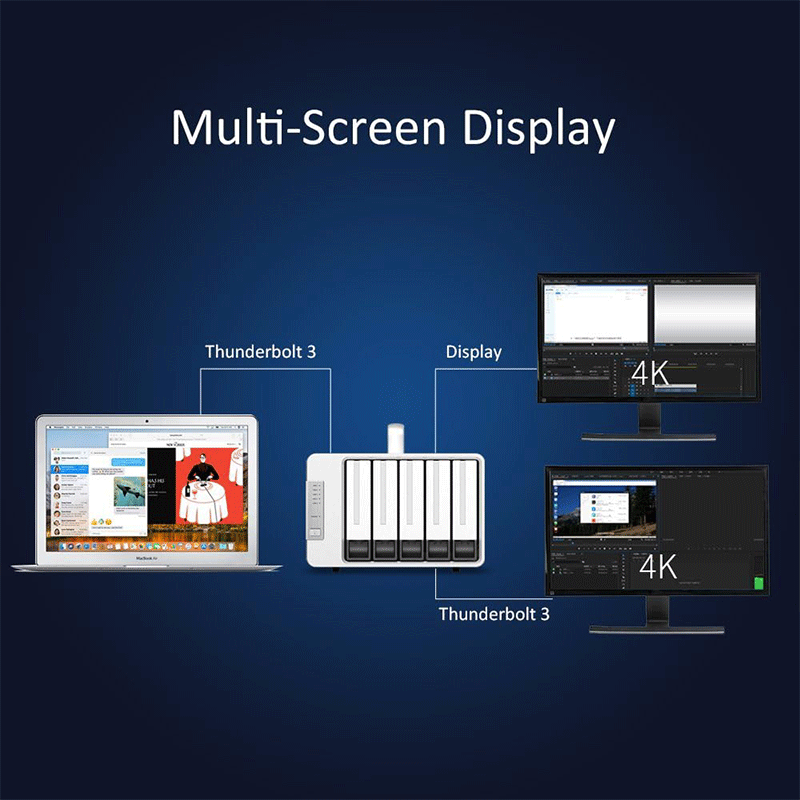
The unit includes a DisplayPort (DP) output in addition to its Thunderbolt ports. This lets you connect a 4K monitor directly to the enclosure, which is particularly useful for editors and content creators who want to offload display connections through a single device. The D5‑Thunderbolt 3 can even support up to three screens simultaneously using its combined ports — a helpful feature for multitasking workflows.
To keep all five drives operating safely under heavy workloads, the enclosure has two automatic temperature‑controlled fans. These maintain stable internal temperature without excessive noise, ensuring the drives stay cool during long sessions of editing, streaming, or backups. The sturdy build also makes it suitable for desktop use in studios or offices.
Windows and macOS compatible — works with major systems without complicated setup.
Supports common file systems like NTFS, APFS, exFAT, EXT4, FAT32, etc.
Includes essential accessories such as a Thunderbolt 3 cable, power adapter, and screws — so you can install and start using the unit right away.
Here are the typical applications (use‑cases) where the TerraMaster D5‑Thunderbolt 3 shines — that is, strong use‑cases where its design and performance make it especially valuable:
Ideal for editing 4K (and higher) video directly from the storage, thanks to Thunderbolt 3’s high bandwidth and hardware RAID’s speed.
Enables smooth playback and scrubbing of large video files without dropped frames or lag.
Works well with editing software like Final Cut Pro, Adobe Premiere Pro, DaVinci Resolve and similar professional tools.
Supports seamless streaming of large media files (e.g., 4K/8K footage) to displays or other production equipment without buffering.
Useful for live broadcast setups, screening rooms, or quality checks during editing workflows.
Suitable for storing huge datasets, project archives, raw media libraries, and backups of large file collections (video, audio, photography).
The multi‑bay RAID makes it easier to protect data with redundancy (e.g., RAID 5/10) while still offering high capacity.
Supports multi‑screen setups by driving displays via its DP interface, helpful for editors and multitaskers.
The daisy‑chain feature lets you connect multiple Thunderbolt devices (like monitors, GPUs, or audio interfaces) through one port — streamlined for pro studios.
Functions as a high‑speed DAS solution, meaning it connects directly to your computer without requiring a network. This delivers very low‑latency access to data — beneficial for compute‑heavy tasks (rendering, data analysis, large file manipulation).
Good option for backing up business data, large document repositories, and long‑term archives where both capacity and reliability are important.
RAID configurations help protect against disk failures during critical storage operations.
In summary, professional content creators, video editors, media production teams, and power users who need fast, large, and reliable storage are the main groups that will benefit most from this unit.


Reviews
There are no reviews yet.