
Enterprise Servers
Mobile Workstation
Tower and Rack Workstation Series

DELL EMC PowerEdge Servers

HPE ProLiant Servers


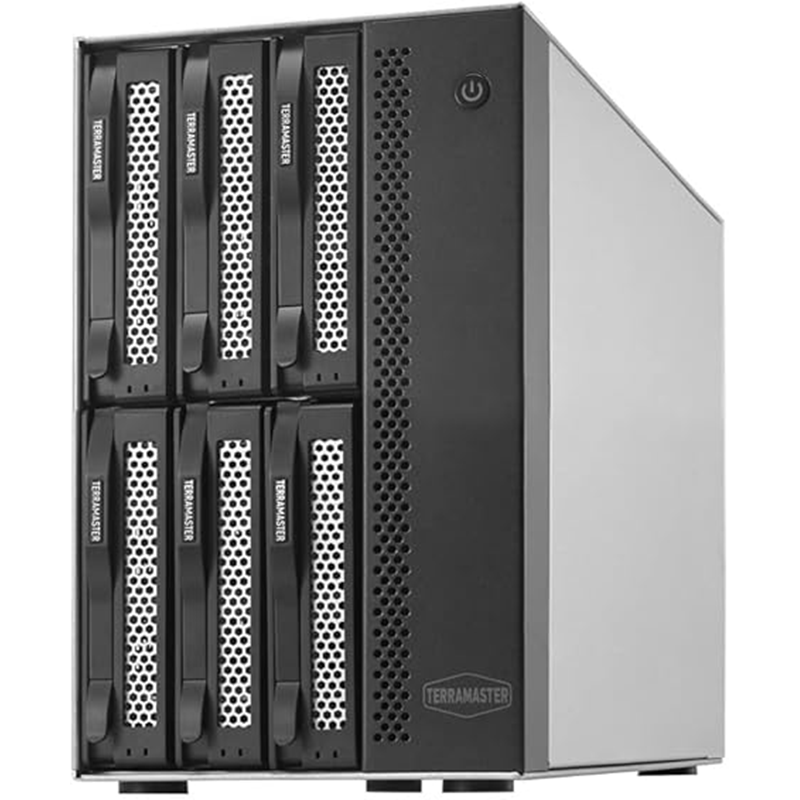
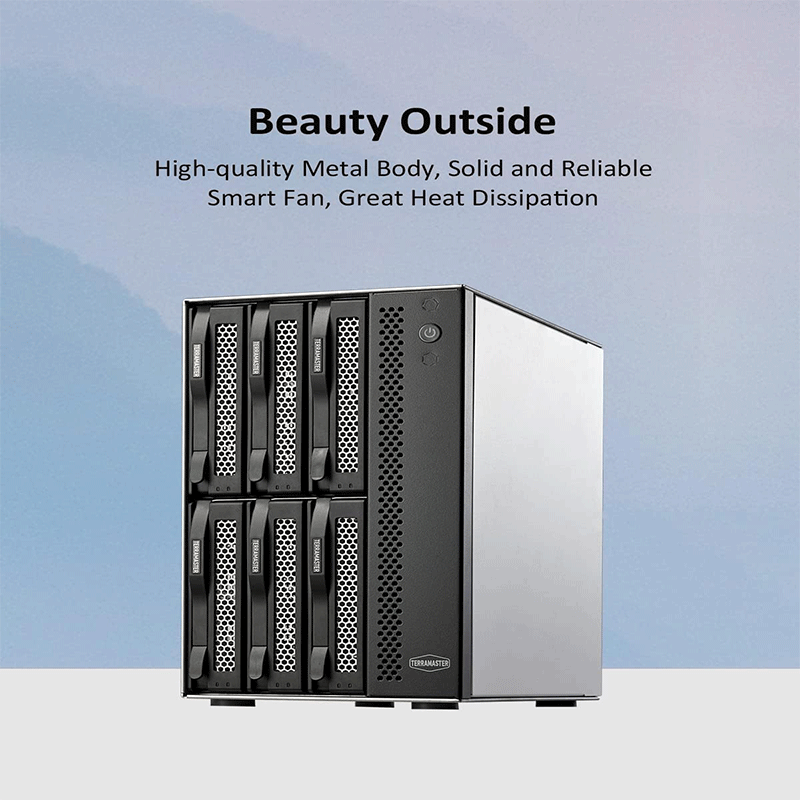
6‑bay external hard drive enclosure (DAS)
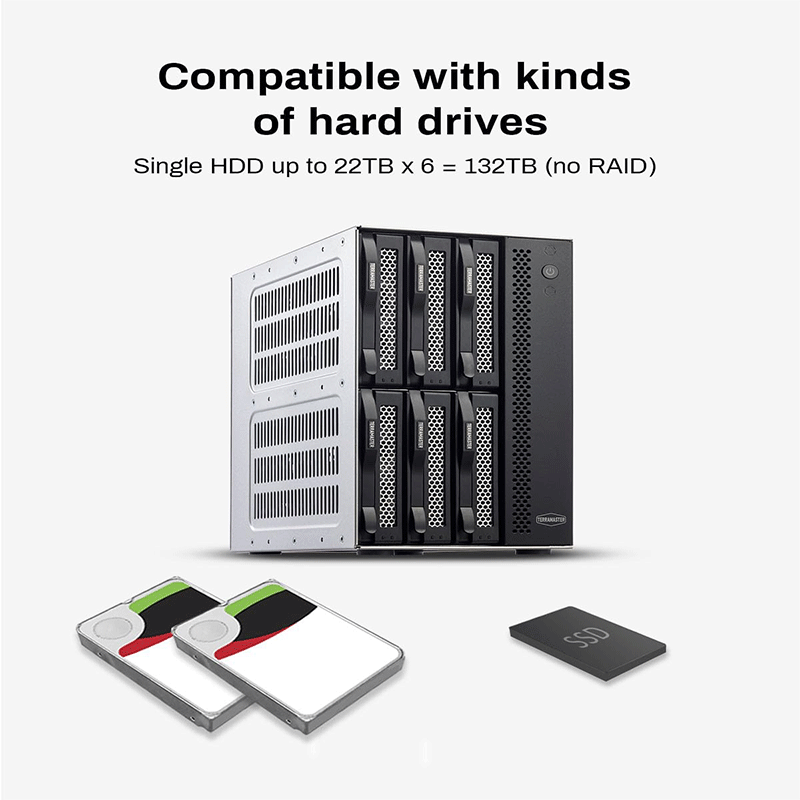
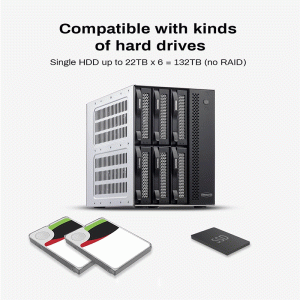
Supports 3.5″ HDDs, 2.5″ HDDs, and 2.5″ SSDs
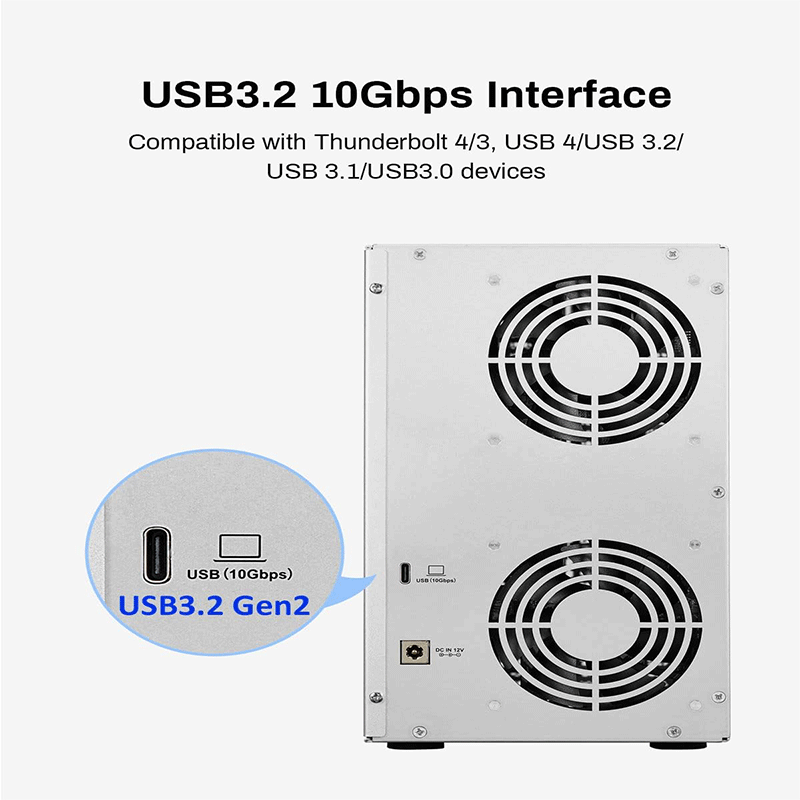
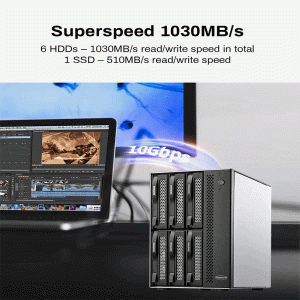
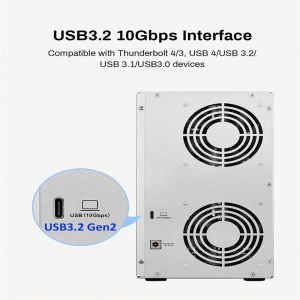
Connects via USB 3.2 Gen2 Type‑C (10 Gbps)
Maximum raw capacity up to ~180 TB
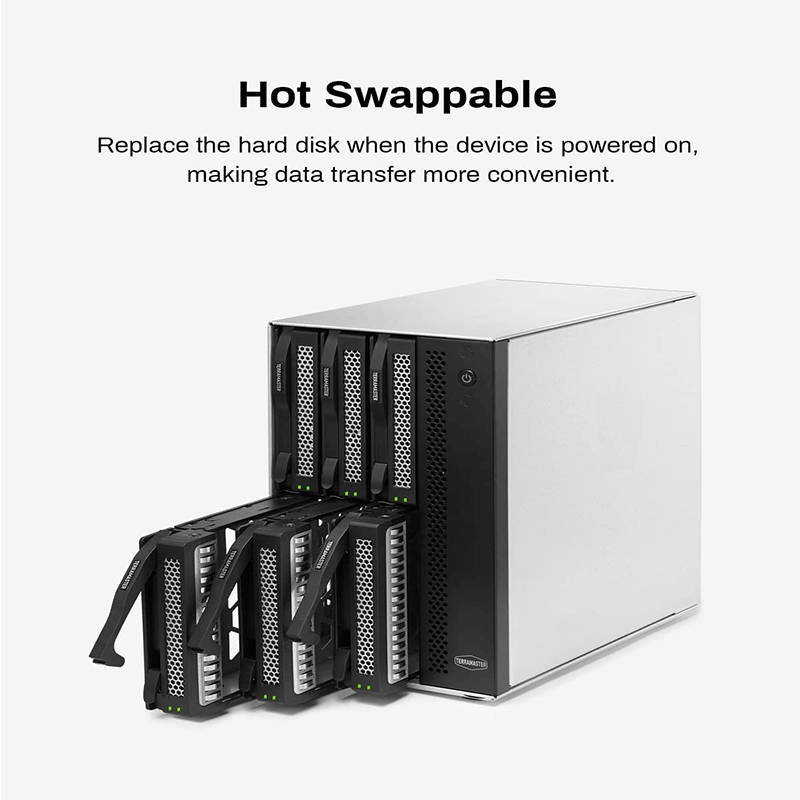
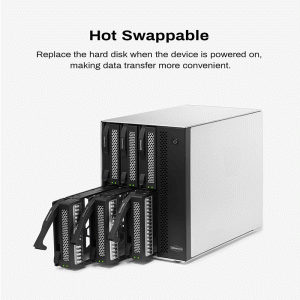
Hot‑swappable drives for easy replacement
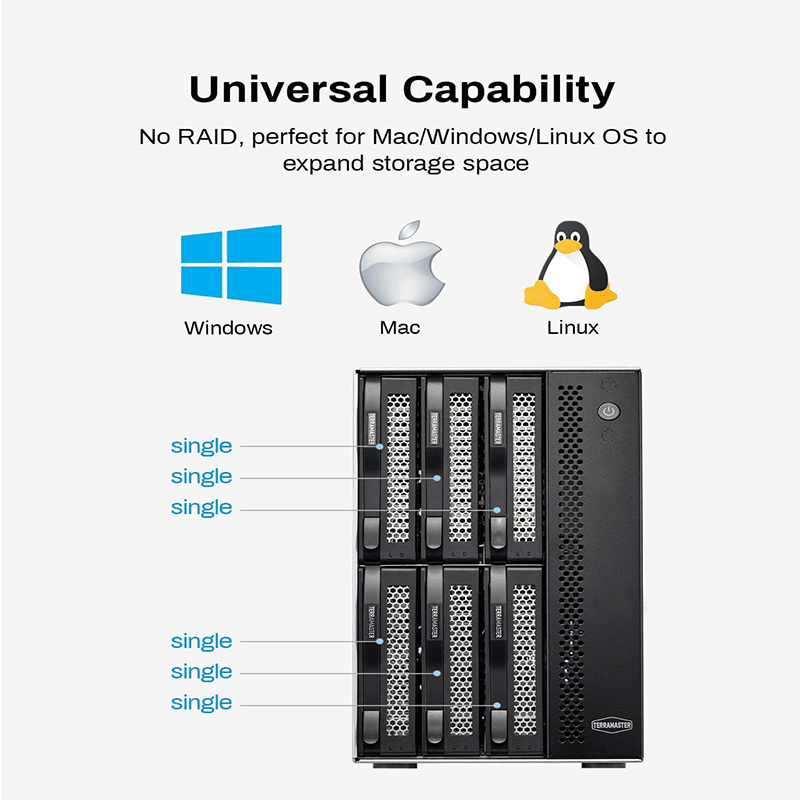
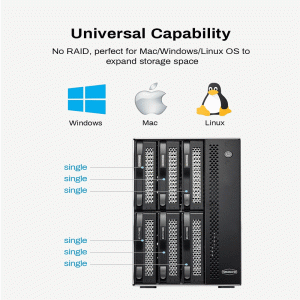
Plug‑and‑play; compatible with Windows, macOS, and Linux
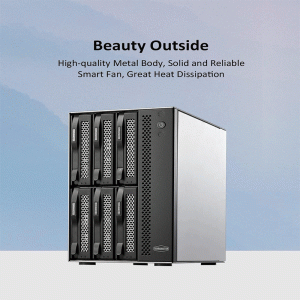
Equipped with dual temperature-controlled fans for quiet cooling
No built-in RAID; array management handled by host device
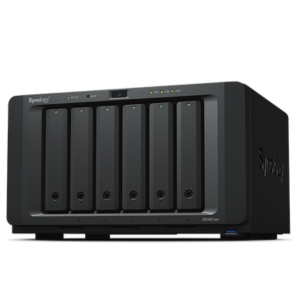
The TerraMaster D6‑320 is a 6‑bay USB 3.2 Gen2 external hard drive enclosure that lets you install up to six 3.5″ or 2.5″ SATA HDDs/SSDs for high‑capacity direct-attached storage. It connects via USB‑C with up to 10 Gbps transfer speeds, supports hot‑swapping, and works with Windows, macOS, and Linux.
Model: D6‑320 6‑bay USB 3.2 Gen2 External Hard Disk Enclosure
Drive Bays: 6
Compatible Drive Types: 3.5″ SATA HDD, 2.5″ SATA HDD, 2.5″ SATA SSD
Maximum Raw Capacity: Up to ~180 TB (30 TB drives × 6)
RAID Support: Single disk mode only (no built‑in RAID)
Hot‑Swappable: Yes
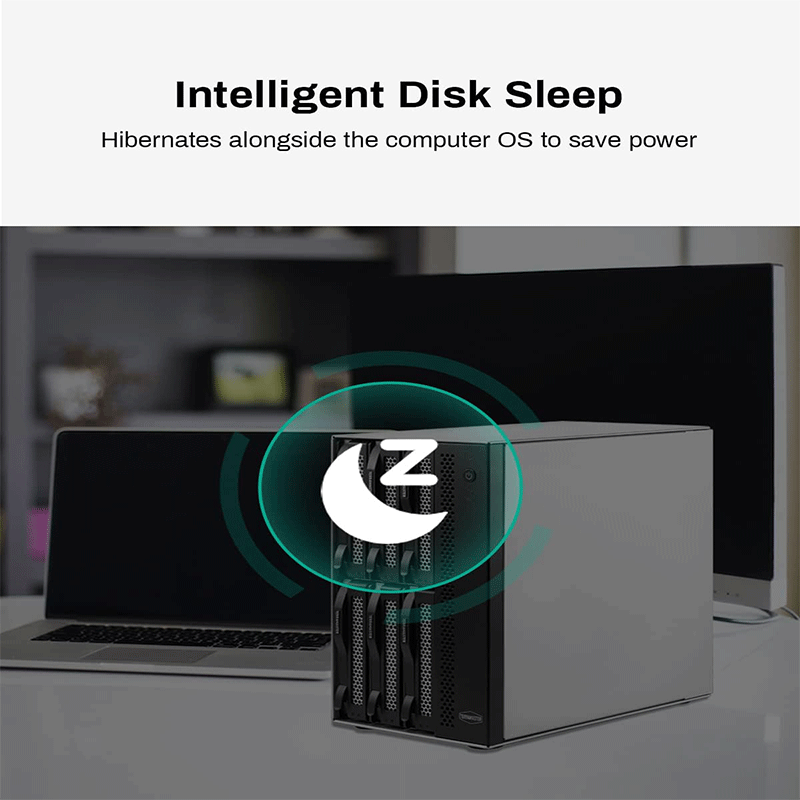
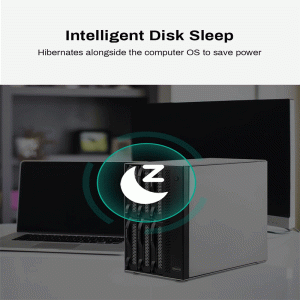
HDD Sleep: Yes
External Port: USB 3.2 Gen2 Type‑C (10 Gbps)
Compatibility: USB 3.0/3.1/3.2, Thunderbolt (via adapter)
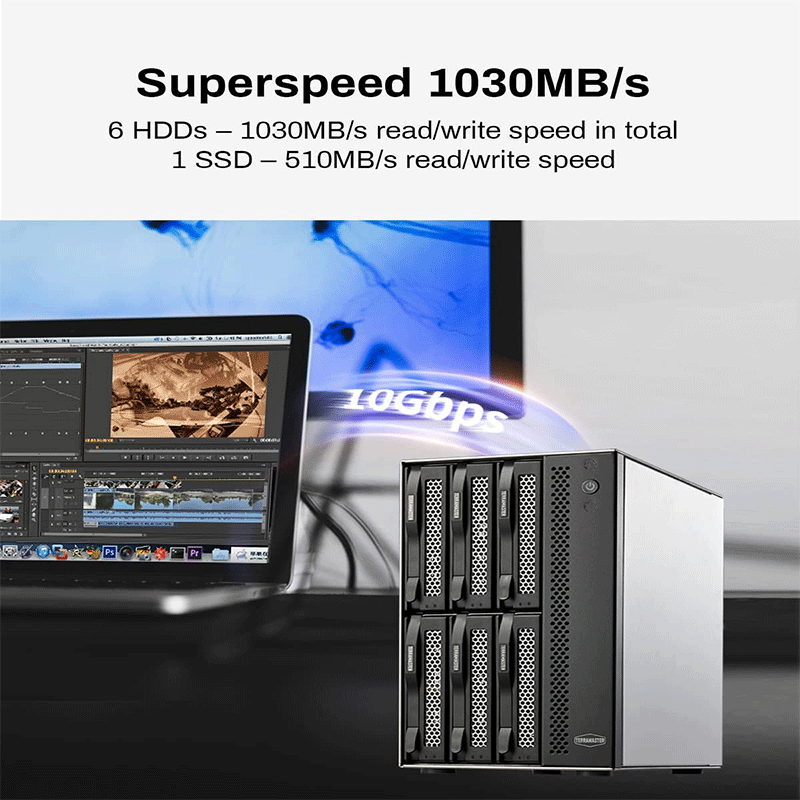
Max Read Speed: ~520 MB/s (1 disk) • ~1016 MB/s (6 disks)
Max Write Speed: ~500 MB/s (1 disk) • ~986 MB/s (6 disks)
Dimensions: 226 × 130 × 218 mm
Weight: ~3.4 kg (net)
Cooling: 2 × 80 mm temperature‑controlled fans
Noise Level: ~22.3 dB(A)
Power Supply: 120 W external adapter
Operating Temp: 0°C to 40°C
Humidity: 5%–95% RH
Supported OS: Windows, macOS, Linux
Included Cables: USB‑C ↔ C and USB‑A ↔ C (10 Gbps)
Warranty: 2 years
Fast data transfers — The D6‑320 uses USB 3.2 Gen2 technology, offering up to 10 Gbps connection speeds. This means large files move much faster between your computer and the enclosure compared with older USB standards.
Huge storage potential — It supports up to six SATA drives (3.5″ HDD or 2.5″ HDD/SSD), allowing you to combine many high‑capacity drives for a total storage space that can reach hundreds of terabytes depending on drive size.
Easy setup — No special drivers are needed. Simply connect the enclosure to a Windows, macOS, or Linux system and start using it. This makes it convenient for both casual and professional users.
Swap without shutting down — You can insert or remove drives while the enclosure is powered on, which is ideal for quickly replacing drives or adding new ones without interrupting work.
Auto‑adjusting fan system — Smart fans monitor drive temperature and adjust speed automatically, keeping drives cool while reducing unnecessary noise during normal operation. This helps prolong drive life and keeps the unit quiet.
Protection against power issues — The unit can remember its last power state and automatically restart after an unexpected power loss, which is useful if it’s part of a server or storage setup. It also includes built‑in power protection to guard drives against improper power supply conditions.
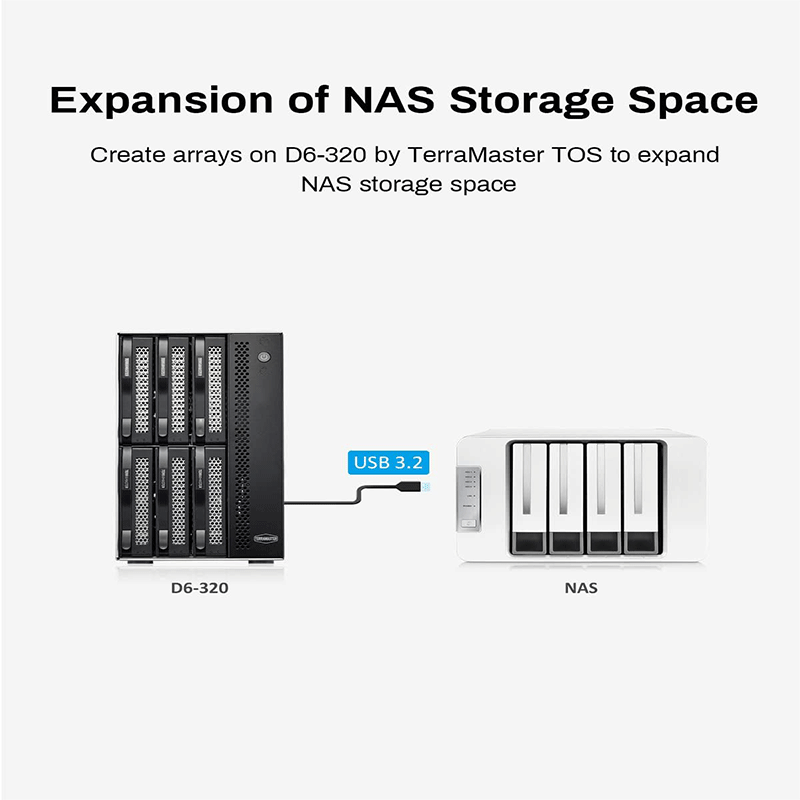
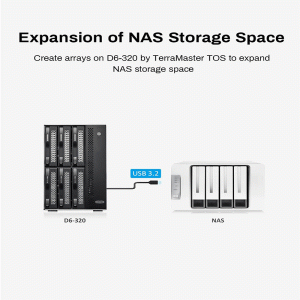
Optional NAS use — When paired with a compatible TerraMaster NAS and the right firmware, you can use the enclosure to expand NAS storage, treating drives or pools as additional space for network storage.
Use the D6‑320 as a large external drive bank for storing massive files, media libraries, backups, and archives. With support for up to six SATA drives, it lets you keep hundreds of terabytes of data in one place without needing a NAS.
It’s ideal as a target for scheduled backups from Windows, macOS, or Linux computers. You can pair it with backup software (e.g., TerraMaster’s TPC Backupper on Windows) to protect important documents, photos, projects, or system images.
When connected to a TerraMaster NAS (running TOS 5.1 or later), you can extend NAS storage by using the drives in the D6‑320:
Add them to a storage pool or array as additional volumes.
Use each disk as a separate storage resource for different data sets.
Content creators, videographers, and photographers can use it as a central repository for large media files (e.g., raw video footage, project files, libraries), making it easier to manage and access across multiple editing sessions.
Connect the enclosure directly to a PC or workstation via USB 3.2 Gen2 for high‑speed local storage — useful for editing, data processing, CAD, and other tasks that need fast, high‑capacity storage without network access.
Because the bays are hot‑swappable, it works well in environments where drives need to be swapped or rotated regularly, such as moving large datasets between systems or archiving old drives while adding fresh ones.
It’s plug‑and‑play compatible with Windows, macOS, and Linux, making it a versatile storage hub that can be used across different machines or operating systems without complex setup.
Who: Video editors, photographers, graphic designers, content creators
Why: They work with large media files that need lots of space and fast access.
How:
Connect the D6‑320 directly to a workstation via USB‑C.
Store raw footage, project files, sequences, and exports.
Use large-capacity HDDs or fast SSDs, depending on speed needs.
Who: Small business owners, remote workers, home office setups
Why: To centralize backups and shared data storage without a full server/NAS.
How:
Use as a central backup destination for multiple PCs.
Plug into a main workstation or server for easy access.
Swap drives for data rotation or backup rotation policies.
Who: Anyone who needs reliable local backups
Why: To store large amounts of backup data off the main computer.
How:
Install multiple large drives for versioned backups (weekly, monthly).
Pair with backup software on Windows/macOS/Linux.
Swap old drives for off‑site storage if needed.
Who: Owners of TerraMaster NAS devices
Why: To expand NAS storage capacity without replacing internal drives.
How:
Connect the D6‑320 to a compatible TerraMaster NAS.
Add its drives as storage pools or volumes via the NAS OS.
Use it for media libraries, archives, or cold storage.
Who: DIY NAS builders, home server hobbyists
Why: Flexible storage expansion for experiments, virtualization, or data labs.
How:
Connect through USB to test storage setups.
Use with software RAID or virtual machines on a host system.

Reviews
There are no reviews yet.