Enterprise Servers
Mobile Workstation
Tower and Rack Workstation Series

DELL EMC PowerEdge Servers

HPE ProLiant Servers


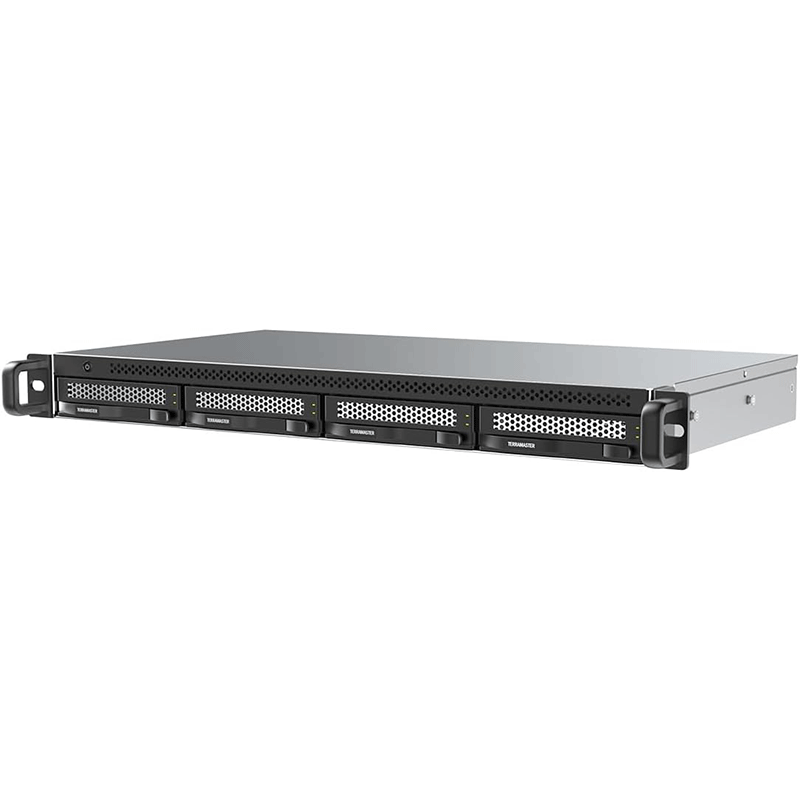
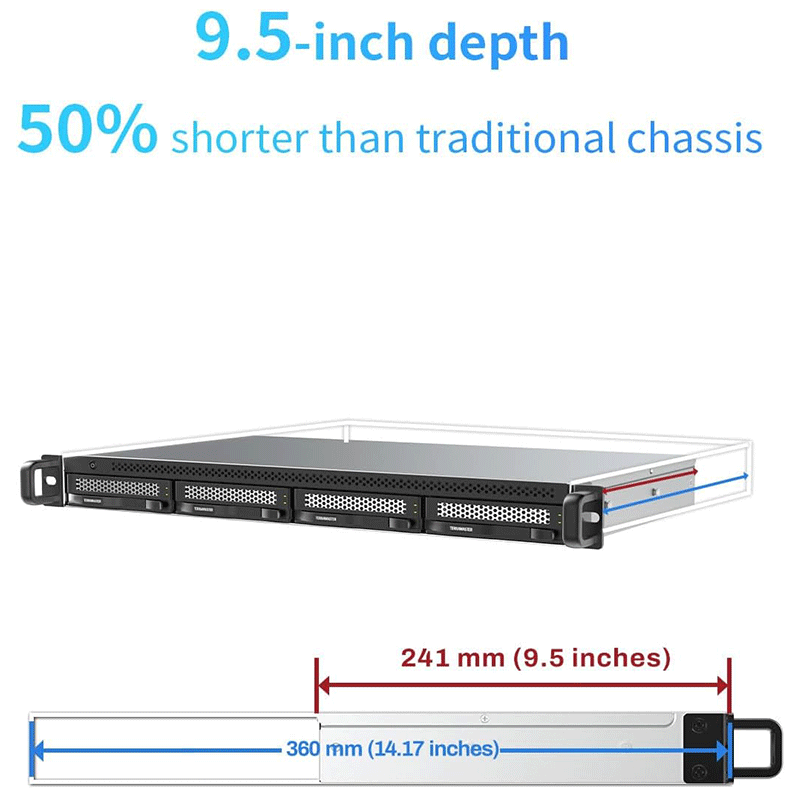
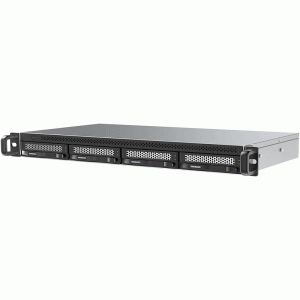
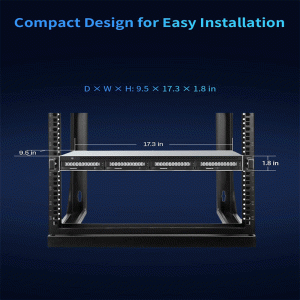
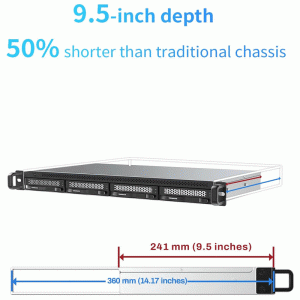
Type: 4‑bay USB 3.2 Gen 2 direct‑attached storage (DAS) enclosure
Drive Support: 3.5″ HDDs and 2.5″ HDDs/SSDs
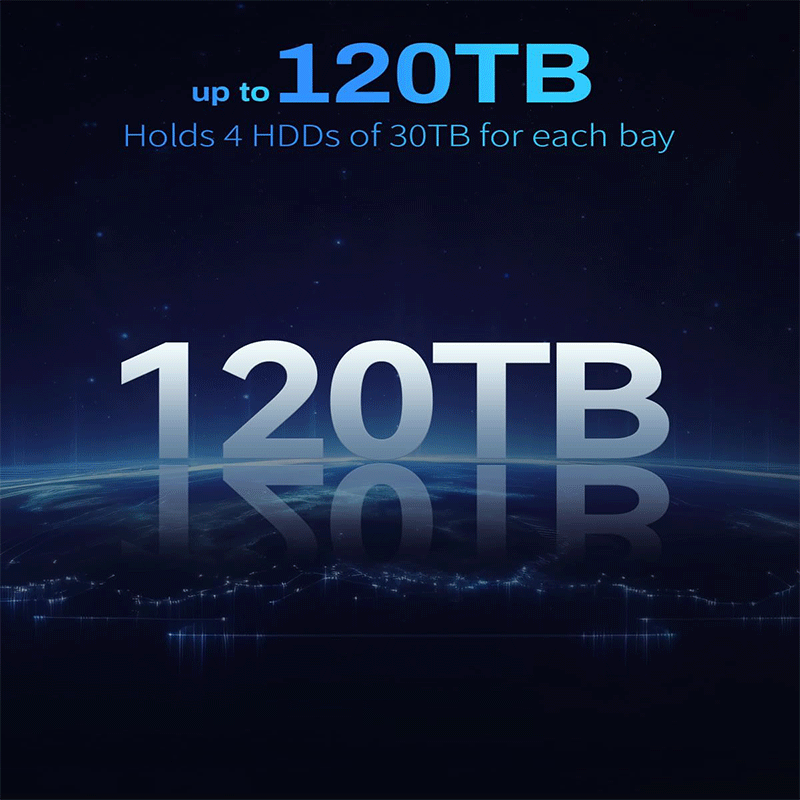
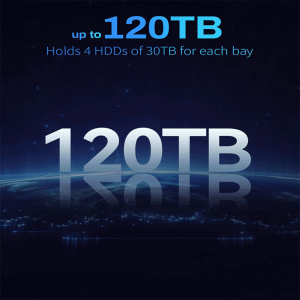
Maximum Capacity: Up to ~120 TB (depends on installed drives)
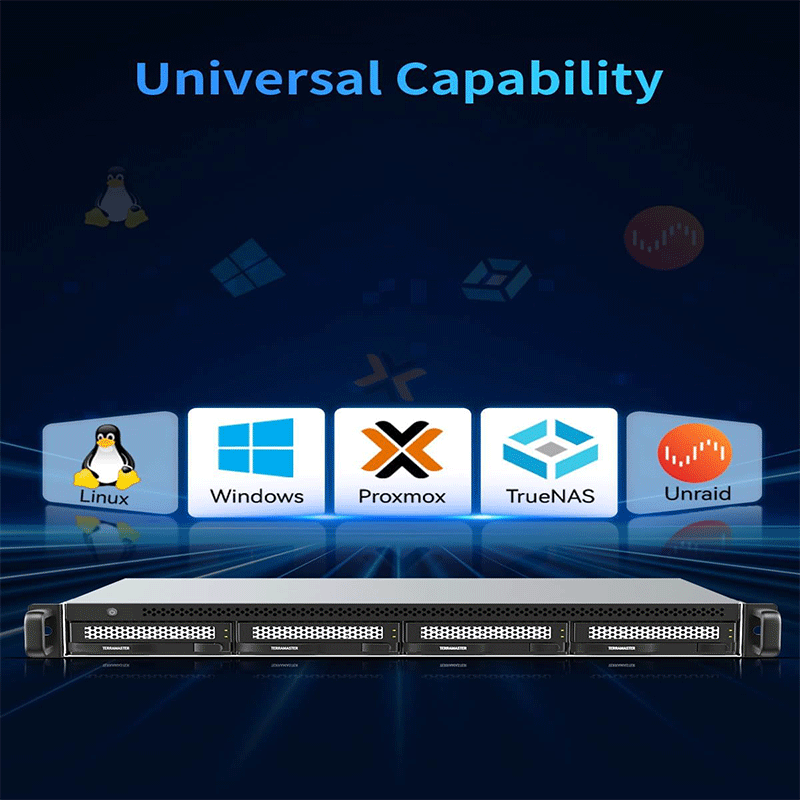
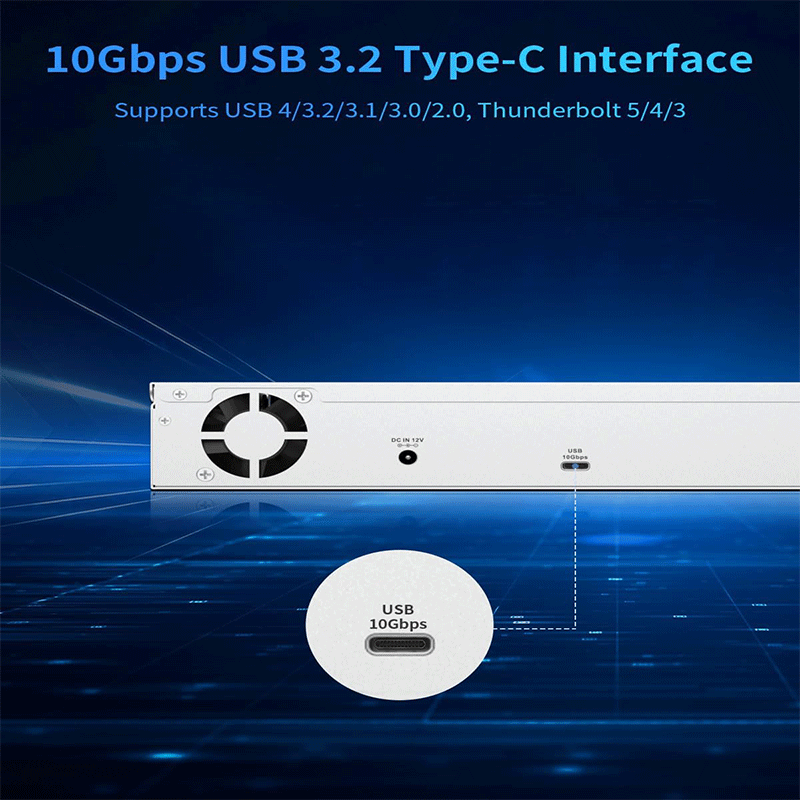
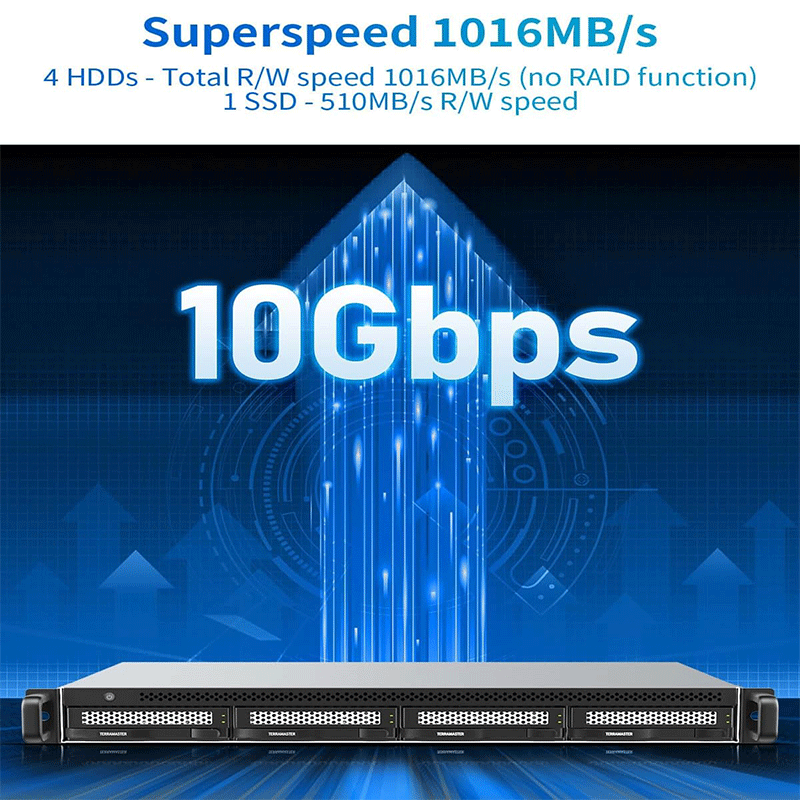
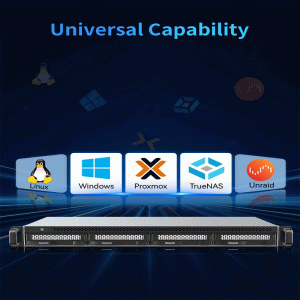
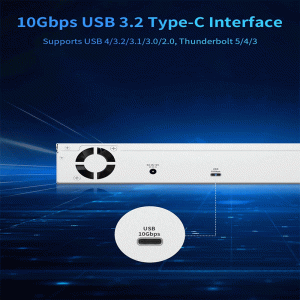
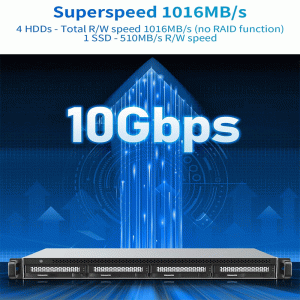
Connection: USB‑C (10 Gbps), plug‑and‑play compatible with Windows, macOS, Linux
Cooling: Intelligent dual‑fan system for quiet, efficient drive cooling
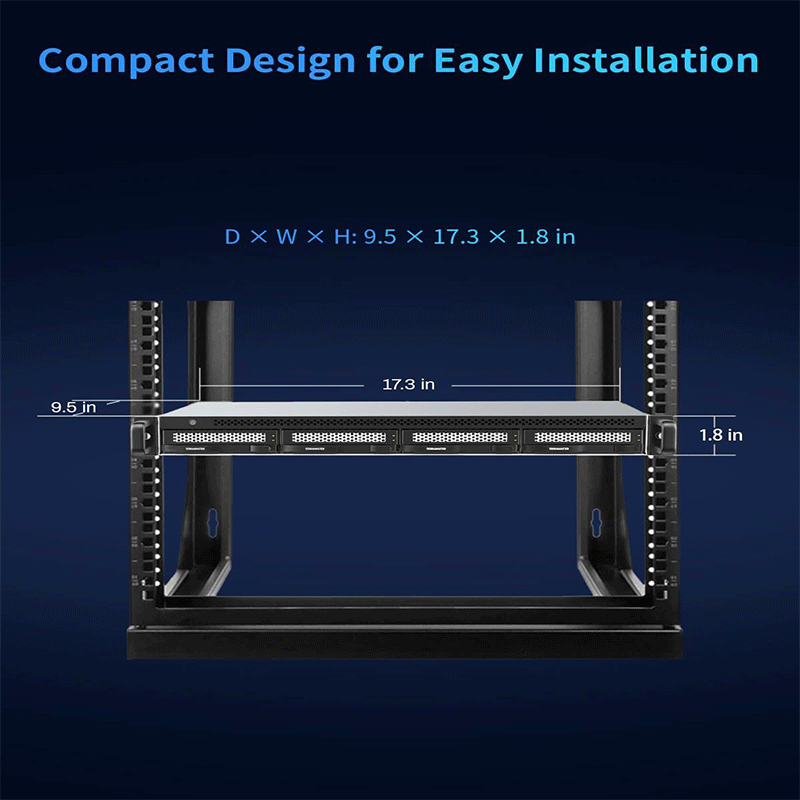
Design: 1U rack‑mountable, space‑saving chassis
Applications: Backup, media editing, archival storage, NAS expansion, portable bulk storage
RAID: Software‑configured RAID possible via host system (no built-in hardware RAID)
Here are the common applications (real‑world use cases) for the TerraMaster D4‑320U 4‑bay USB storage enclosure;
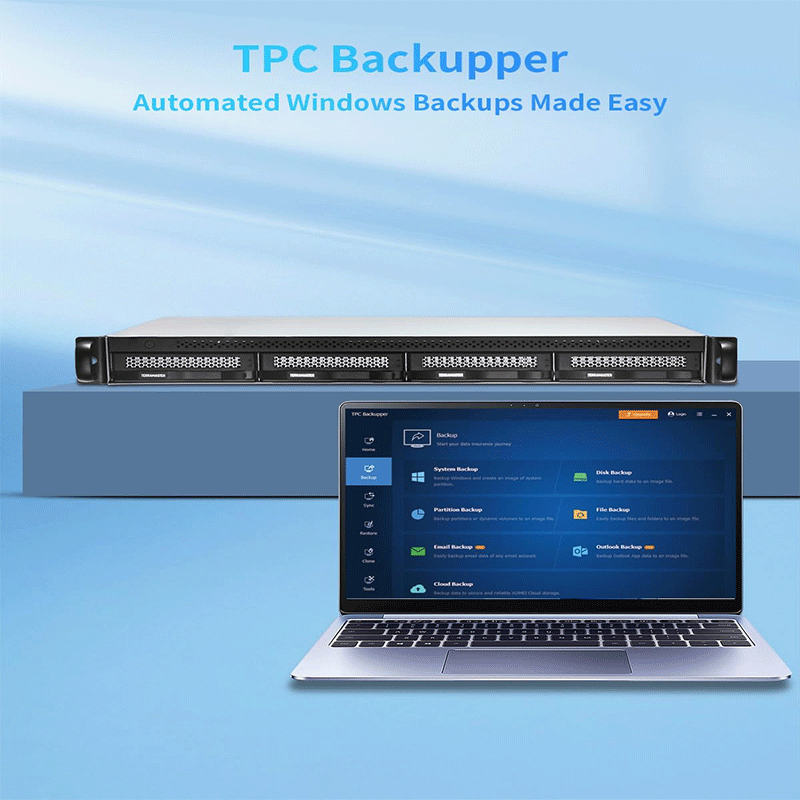
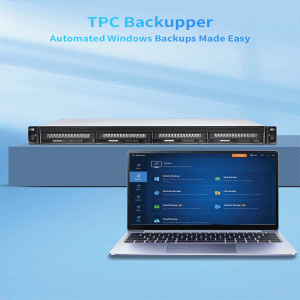
Use the D4‑320U as a central place to back up multiple computers or servers.
With four drives installed, you can keep terabytes of data consolidated in one enclosure.
Ideal for scheduled backups (e.g., weekly or nightly), reducing the risk of data loss from laptop/desktop failure.
Works well with backup software like Acronis, Time Machine, or Windows Backup.
📌 Best for: Small offices, freelancers, creative professionals, and tech enthusiasts who need dependable local backup.
Provides fast and spacious storage for media projects:
With multiple SSDs, you can get high sustained transfer speeds — important when editing 4K/8K video or large photo libraries.
Editors can store raw footage, project files, and exports in one place without clogging local computer storage.
📌 Best for: Video editors, photographers, content creators, and media studios.
Even though it’s not a NAS (Network‑attached Storage), when connected to a computer acting as a file server (Windows/Linux/Mac), it can serve as a shared drive:
Team members can access shared folders over the network.
Useful for storing documents, databases, or team resources available to multiple users.
📌 Best for: Small workgroups, home offices, and collaborative teams needing central storage.
Stores data that you need to keep but don’t access often:
Projects that must be retained for compliance (financial, legal, design archives).
Archived media libraries (old videos, photos, audio recordings).
Can be used with large‑capacity HDDs to keep costs down.
📌 Best for: Legal offices, media houses, or anyone with large data archives.
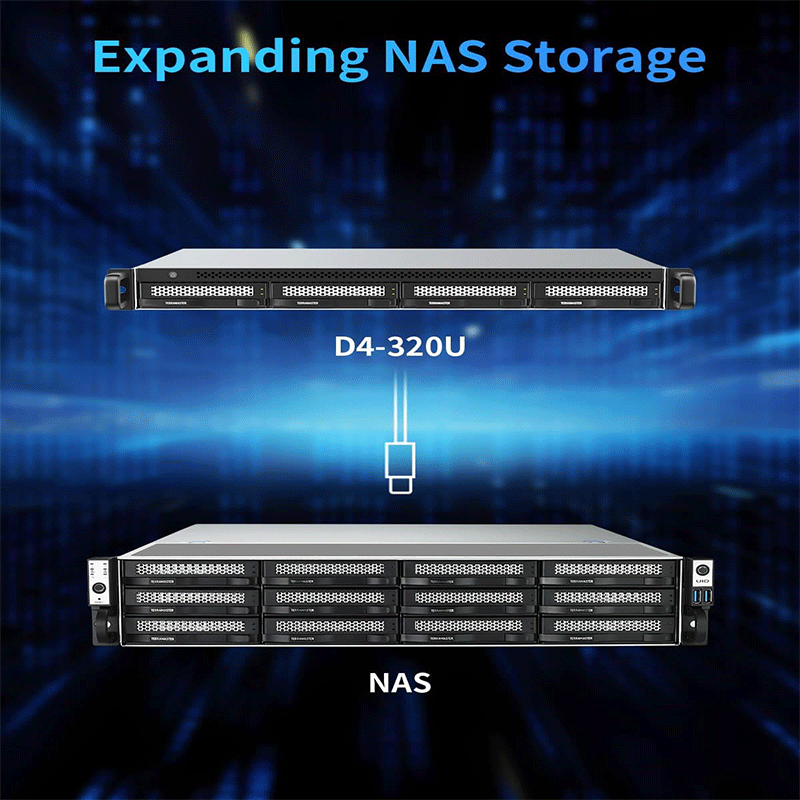
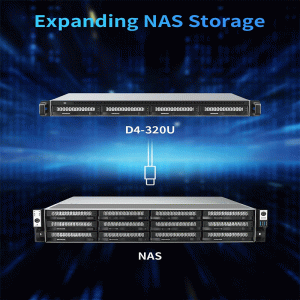
When paired with a compatible TerraMaster NAS, the D4‑320U can act as additional storage expansion (treated like external drives):
Gives you more room without buying a bigger NAS.
Useful when main NAS storage is near capacity.
📌 Best for: Growing businesses or data users whose storage needs increase over time.
Because it’s a DAS (connected directly via USB) rather than needing networking infrastructure:
It can be moved between locations (production sites, studios, offices).
Great for crews that collect large amounts of data on location and need a robust storage hub on site.
📌 Best for: Film crews, researchers, and photographers on location shoots.
Developers and IT professionals can use it as a multi‑drive test bench:
Install different operating systems or file systems for testing.
Build and evaluate software against multiple storage configurations without multiple computers.
📌 Best for: IT teams and tech labs.
Although the unit itself doesn’t support hardware RAID, you can configure RAID or advanced storage schemes via the host computer (Windows/Linux/TrueNAS/Unraid):
Software RAID 0, 1, 5, 10, etc.
Logical volume management and redundancy.
📌 Best for: Tech‑savvy users who want performance or redundancy via software control.


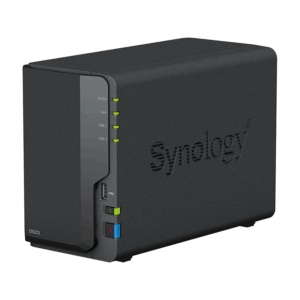
Reviews
There are no reviews yet.