





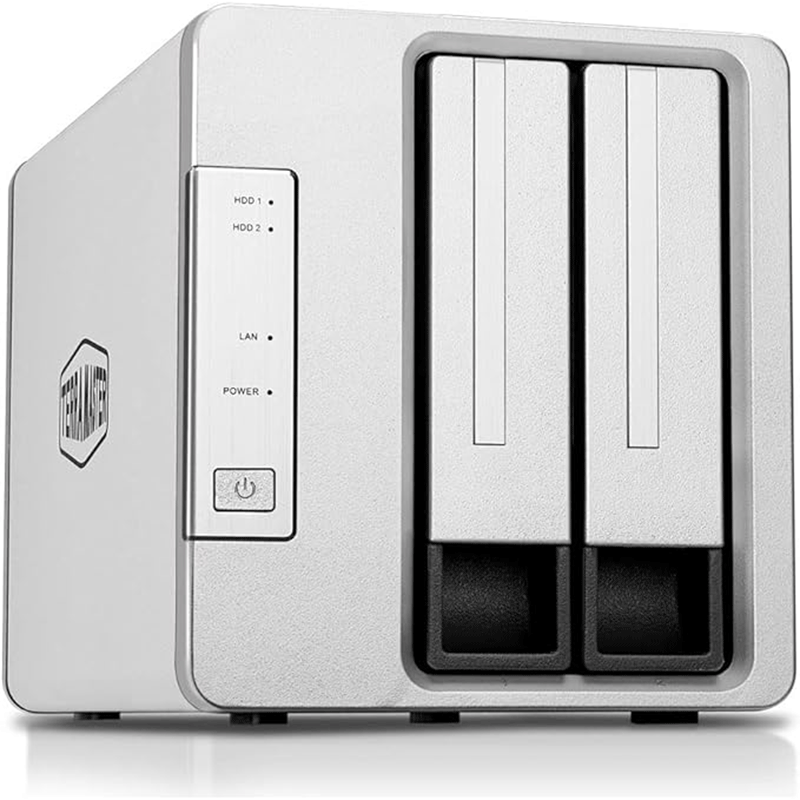
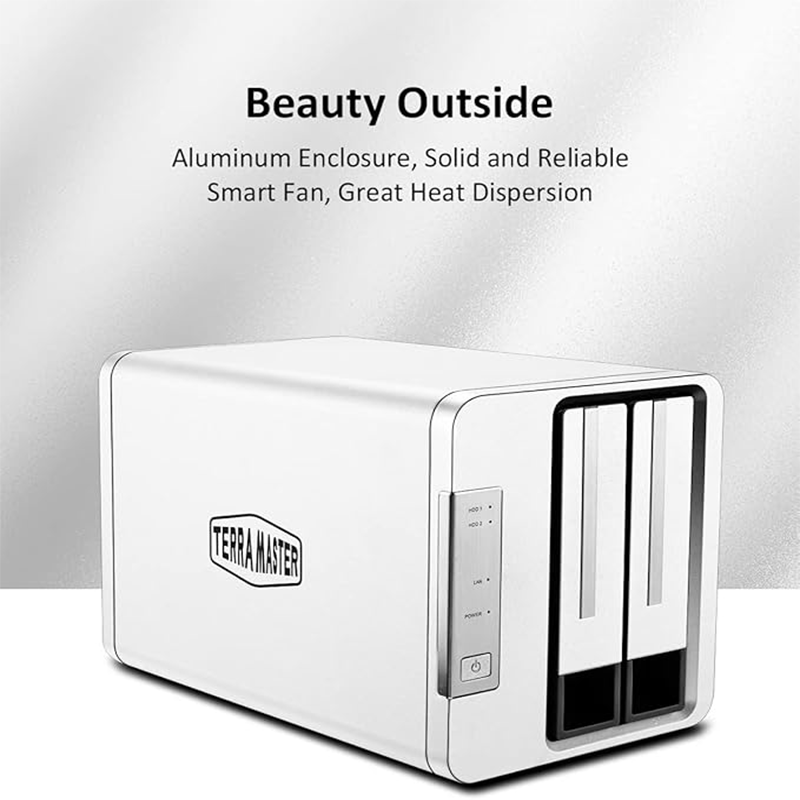
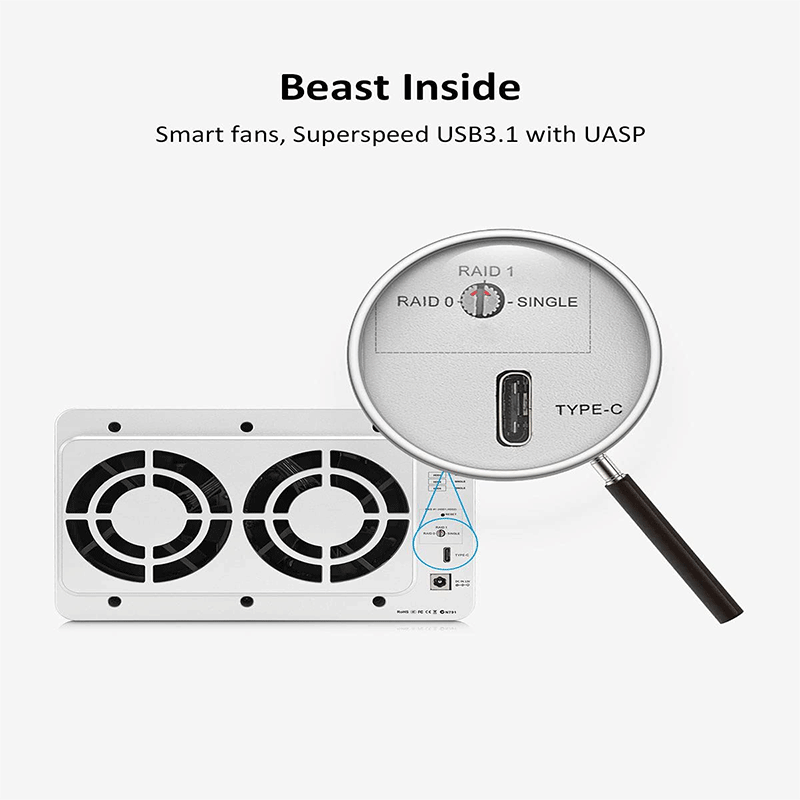

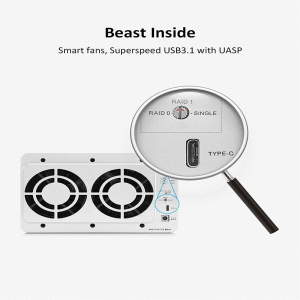
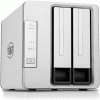
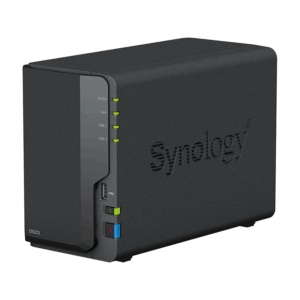
The TerraMaster D2‑300 is a 2‑bay USB 3.1 Type‑C external hard drive enclosure that lets you install two SATA HDDs or SSDs for high‑speed storage and data backup, and even includes an offline drive‑to‑drive cloning feature without needing a computer.
TerraMaster D2‑300 Specifications
-
Model: D2‑300
-
Drive Bays: 2 × SATA (supports both 3.5″ HDD and 2.5″ HDD/SSD)
-
Interface: USB 3.1 Gen1 Type‑C (up to 5 Gbps)
-
Maximum Supported Capacity: Up to ~20 TB per bay (total ~40 TB)
-
Drive Support: SATA III (6 Gb/s)
-
Transfer Speeds:
• SSDs up to ~417 MB/s read / ~369 MB/s write -
Offline Cloning: Yes (clone HDD1 → HDD2 without PC)
-
Operating Systems Supported: Windows, macOS, Linux (plug‑and‑play)
-
Hot‑Swap Support: Yes
-
Fan / Cooling: Temperature‑controlled cooling fan
-
Protection Features: Misoperation protection for cloning function
-
Power Source: External AC adapter
-
Dimensions: ~22.71 × 13.31 × 11.91 cm
-
Weight: Approx. 2.13 kg
TERRAMASTER D2-300 Features
1. High‑Speed USB‑C Connectivity
The D2‑300 uses a USB 3.1 Gen1 (USB‑C) interface, which provides fast data transfer rates up to 5 Gbps. That means moving large files like videos, backups, or libraries is much quicker compared with older USB standards. The USB‑C connection is also reversible and widely supported on modern computers and devices.
2. Dual Drive Support (2 Bays)
This enclosure supports two SATA drives — either 3.5″ hard drives or 2.5″ HDDs/SSDs — at the same time. You can mix and match drives for more storage space or redundancy (if your use case allows). It handles large capacities too, with each bay supporting up to large terabyte drives (typically up to ~20 TB per bay).
3. Offline Cloning Capability
Unlike a regular external enclosure, the D2‑300 includes a built‑in offline cloning function. This lets you duplicate the contents of one drive onto another without connecting to a computer — useful for backups or migrating data. The cloning speed can reach high throughput for SSDs and decent speeds for HDDs.
4. Misoperation Protection
To prevent accidental data loss, the cloning feature includes misoperation protection. It requires two confirmations before starting a clone task, and if you don’t confirm in time, the cloning process stops automatically. This helps avoid unintentional overwriting or erasure of important data.
5. Cloning Progress Indicators
The front panel has multiple LED indicators that show the status and progress of the cloning process. This lets you monitor at a glance whether the device is cloning, idle, or completed — so you always know what’s happening without guessing.
6. Intelligent Cooling System
During long operations like cloning or data transfer, the enclosure’s internal drives can heat up. The D2‑300 has an intelligent temperature‑controlled fan that adjusts speed based on drive temperature, keeping devices cool without making too much noise and helping preserve drive longevity.
7. Power and Safety Protection
The D2‑300 includes power protection circuits that help protect both the device and drives if the wrong power source is connected. This reduces the risk of damage from incorrect power input.
8. Driver‑Free Plug‑and‑Play
It’s driverless and plug‑and‑play — simply connect the enclosure to your Windows, macOS, or Linux computer and it works without needing to install any software. Drives appear like regular external storage, making it easy to back up or use with any compatible device.
Applications
1. Expand Computer Storage
Use the D2‑300 as an external storage hub for your laptop or desktop. By installing two SATA hard drives or SSDs, you can significantly increase your available space for files such as documents, media libraries, projects, and archives. Once connected via USB‑C, it behaves like any other external drive.
2. Routine Data Backup
It’s ideal for backing up important data from your system. You can manually copy files or use backup software (like TerraMaster’s companion tools) to schedule regular backups of folders, partitions, or entire drives — helping protect against accidental loss or system failure.
3. Offline Drive Cloning
One of its standout uses is offline cloning — duplicating the contents of one drive to another without needing a computer. This is useful when upgrading drives, migrating data, or creating a full backup image easily and quickly.
4. Hot‑Swap Drive Access
With hot‑swappable drive bays, you can swap drives in and out without shutting down the enclosure or disconnecting from the computer. This makes it convenient for rotating drives, testing media, or managing multiple storage sets.
5. Cross‑Platform File Sharing
Because it connects via standard USB and is plug‑and‑play, the D2‑300 works seamlessly with Windows, macOS, and Linux systems. You can transfer files back and forth without installing additional drivers, which is great for mixed‑OS environments.
6. Media Storage for Devices
Beyond computers, the enclosure can serve as media storage for devices like smart TVs, media players, set‑top boxes, or home servers that support USB disk access — letting you play movies, music, or view photos directly from the drives.
7. Long‑Term Archiving
If you have large archives — like photo/video collections, project files, or datasets — the D2‑300 lets you store and organize them offline on larger capacity drives. With dual bays, you can dedicate one drive to active data and the other to older archives
Notes
-
It’s not a standalone NAS — drives show up on your computer like regular external storage.
-
Cloning requires that the target drive has capacity equal to or larger than the source
Reviews
There are no reviews yet.