Enterprise Servers
Mobile Workstation
Tower and Rack Workstation Series

DELL EMC PowerEdge Servers

HPE ProLiant Servers


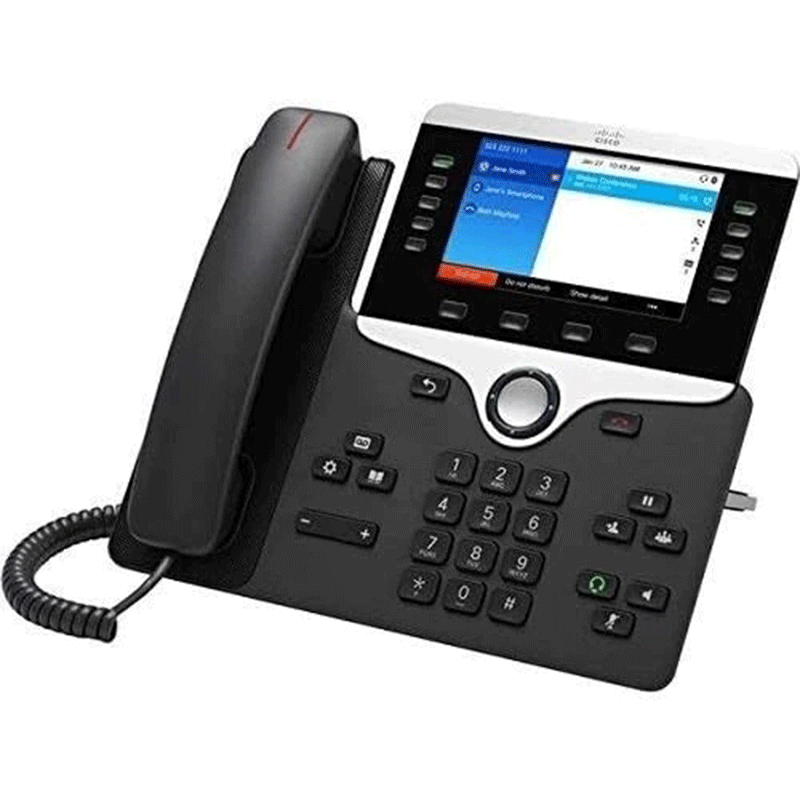
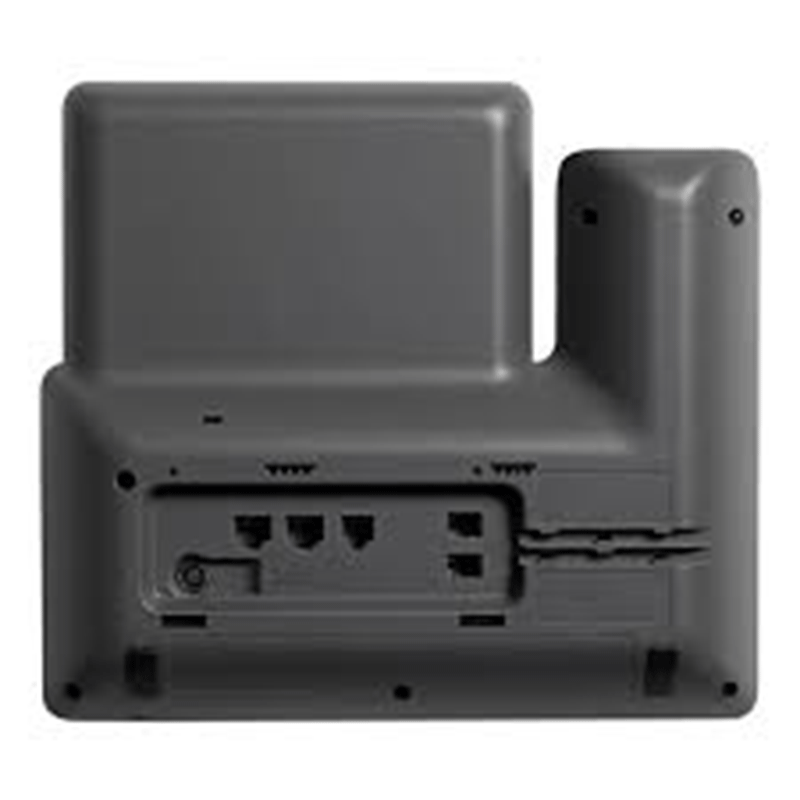
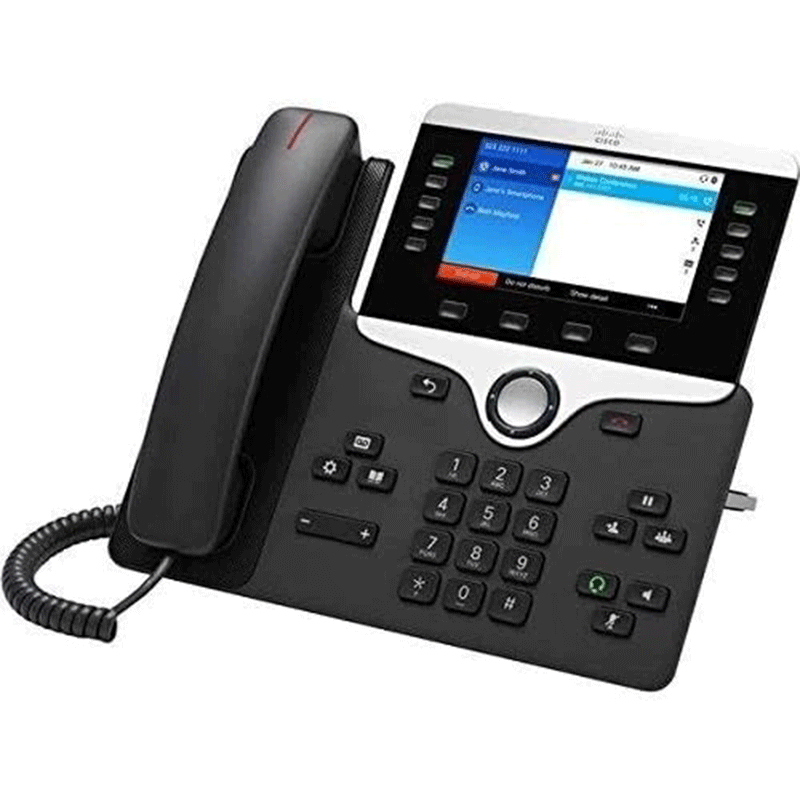
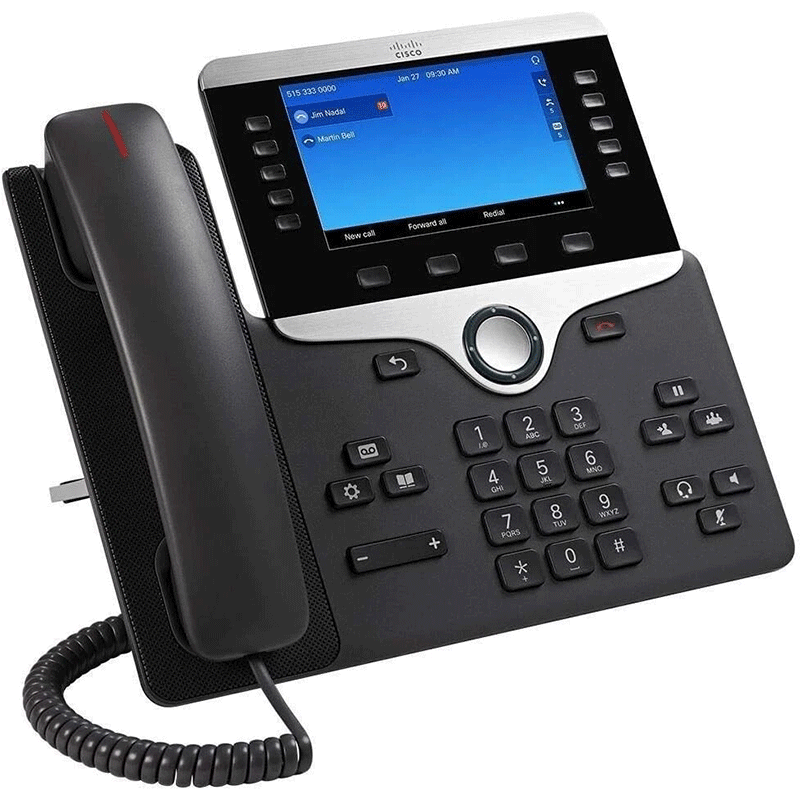
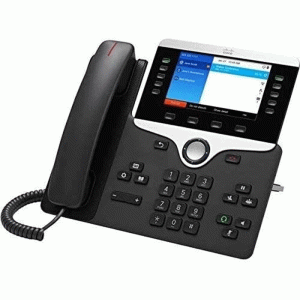
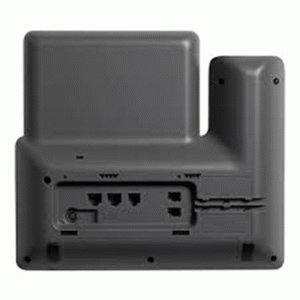
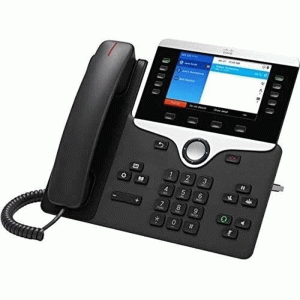
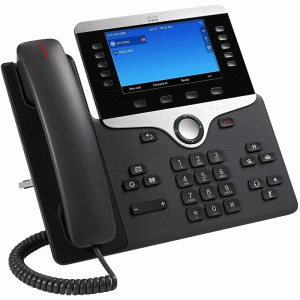
Business-class IP (VoIP) desk phone by Cisco
Designed for enterprise and office communication
Uses IP networks instead of traditional phone lines
Features HD voice quality for clear calls
Supports multiple lines and call handling features
Includes a 5-inch color display for easy navigation
Powered via Power over Ethernet (PoE)
Works with Cisco Unified Communications and SIP systems
The Cisco 8841 IP Phone (CP-8841-K9) is a business-grade VoIP desk telephone made by Cisco that uses an IP network (internet or LAN) to make and receive calls instead of traditional phone lines. It’s designed for offices and enterprises, offering HD voice quality, multiple line support, a color display, and secure communication, and it typically works with Cisco Unified Communications systems or SIP-based VoIP services.
Model: Cisco IP Phone 8841 (CP-8841-K9)
Type: Enterprise VoIP desk phone
Mounting: Desktop with dual-position stand or optional wall mount
5-inch widescreen color display
Resolution: 800 × 480 pixels, 24-bit color
Supports up to 5 SIP lines
4 programmable line keys
Navigation cluster for easy menu use
Wideband HD audio for clear voice quality
Full-duplex speakerphone with echo cancellation
Codec support: G.711, G.722, G.722.2, G.729ab, iLBC, iSAC, Opus
Headset support via RJ-9 and auxiliary electronic hookswitch (EHS)
2 × Gigabit Ethernet ports (10/100/1000) (LAN + PC passthrough)
VLAN support, CDP, LLDP
No built-in Bluetooth or USB support on standard K9 model
Power over Ethernet (PoE) support (IEEE 802.3af Class 2)
Optional external power supply (Cisco Power Cube 4)
Works with Cisco Unified Communications Manager (CUCM) and SIP platforms
Encryption support (TLS/SRTP), secure boot & device authentication
Quality of Service (QoS): Cisco Discovery Protocol, 802.1Q/p
Supports standard call features: hold, transfer, conference, speed dial, call pickup, etc.
IPv4 & IPv6 support with DHCP/static addressing
Dimensions: ~229 × 257 × 40 mm (H × W × D)
Weight: ~1.17 kg (with handset)
Kensington security lock slot
5-inch color display with 800×480 pixel resolution — clear visuals for menus, contact lists, and call info.
Backlit screen and intuitive 5-way navigation cluster with context-sensitive soft keys.
Supports up to 5 programmable line keys — ideal for handling multiple extensions or services from one phone.
Full suite of call features: call hold, transfer, conference, call park, pickup, forward, speed dial, and more.
Ideal for enterprise on-premises systems, hosted VoIP or cloud calling (e.g., Cisco Webex Calling).
Optional wall-mount kit available (sold separately).
Ergonomic design with dual-position foot-stand and wall-mounting options.
Kensington security slot helps prevent theft in open office environments.
Here are the common applications (uses) of the Cisco 8841 IP Phone (CP-8841-K9) in business and communication environments:
Used as a desktop phone for employees in corporate offices.
Supports standard calling features: call hold, transfer, conference, speed dial, etc.
Ideal for daily voice communication over an IP network.
Enables voice calls over IP networks (LAN/WAN) instead of traditional phone lines.
Works with VoIP platforms like Cisco Unified Communications Manager (CUCM) or SIP services.
Used at reception desks to handle high call volumes.
Programmable line keys help manage multiple incoming calls.
Provides HD audio and multiple lines for managers who need to handle several extensions.
Supports advanced features like call forwarding and conferencing.
Suitable for help desks and customer support agents.
Quick access to call features speeds up response times.
Integration with corporate messaging, presence, and collaboration tools.
Can work with softphone systems, voicemail, and directory services.
Serves as a conference phone or extension in settings where a physical handset is preferred.
Used with conferencing systems to provide clear audio.
Employees working outside the main office can connect this phone through VPN or internet VoIP trunks.
Offers a professional office phone experience from remote locations.
Supports encrypted calls (TLS/SRTP) — important for industries with compliance or security needs (finance, legal, healthcare).
Ideal for hot desks, shared desks, or common areas where multiple users access a physical phone.


Reviews
There are no reviews yet.