





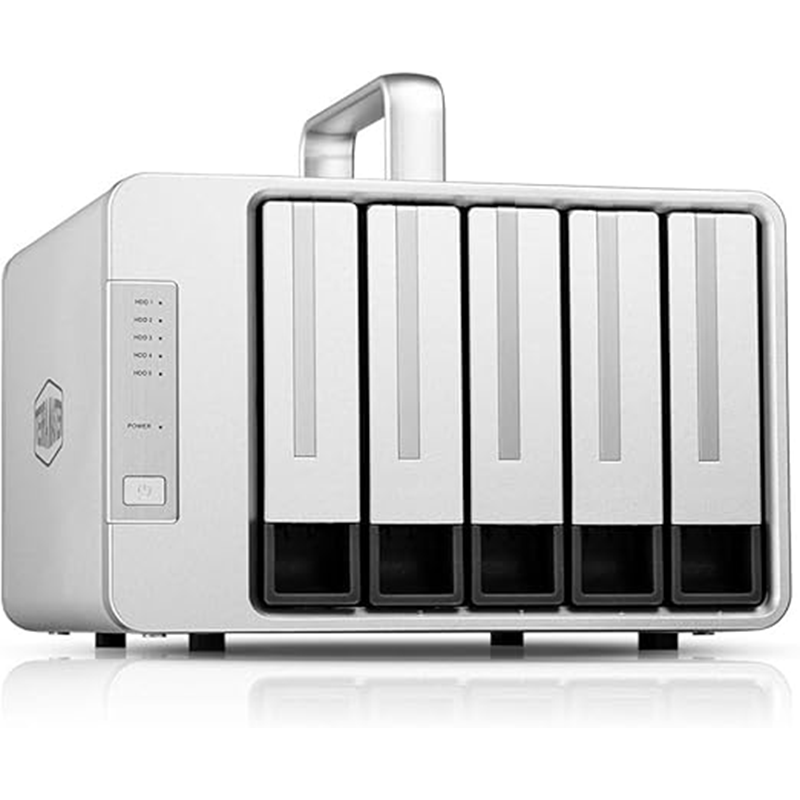
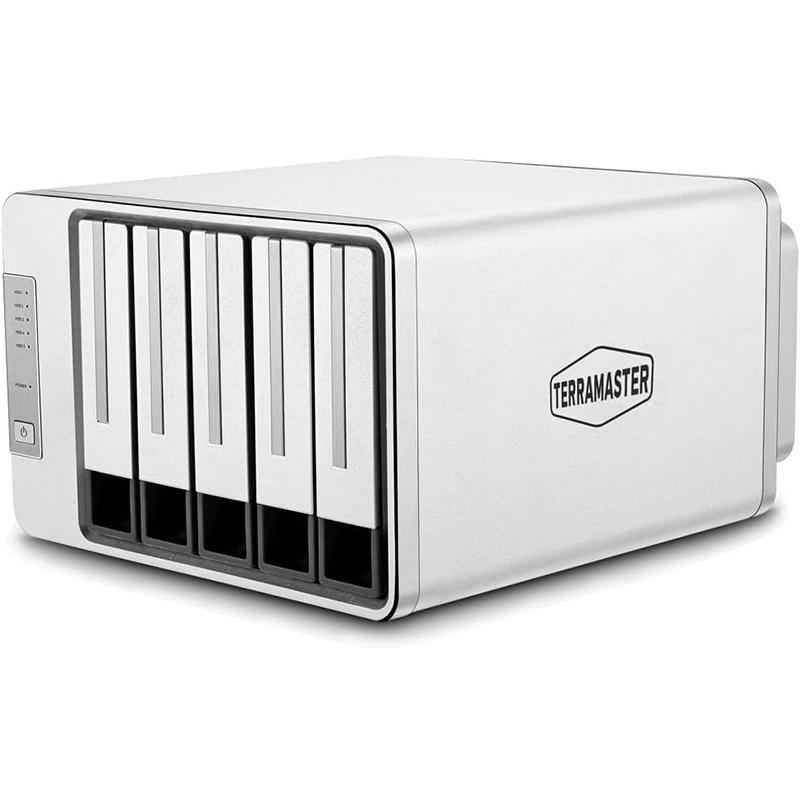
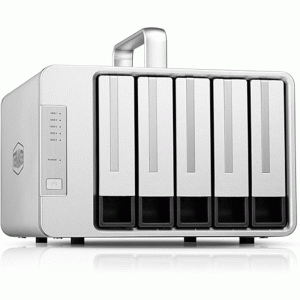
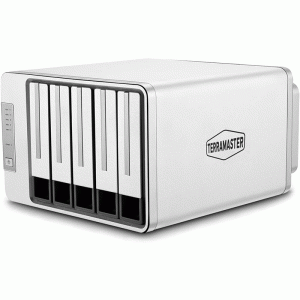
The TerraMaster D5‑310 is a 5‑bay external RAID storage enclosure (DAS) that connects to your computer via USB‑C, lets you install up to five SATA hard drives or SSDs, and supports multiple RAID modes (including RAID 5, 1, 0, 10, and single‑disk) for flexible data protection and performance. It’s compatible with Windows, macOS, and Linux and offers high‑speed USB 3.1 Gen 1 transfers and up to ~120 TB total capacity (diskless).
Specifications
Hardware
-
Drive bays: 5
-
Compatible disks: 3.5″ SATA HDD & 2.5″ SATA SSD
-
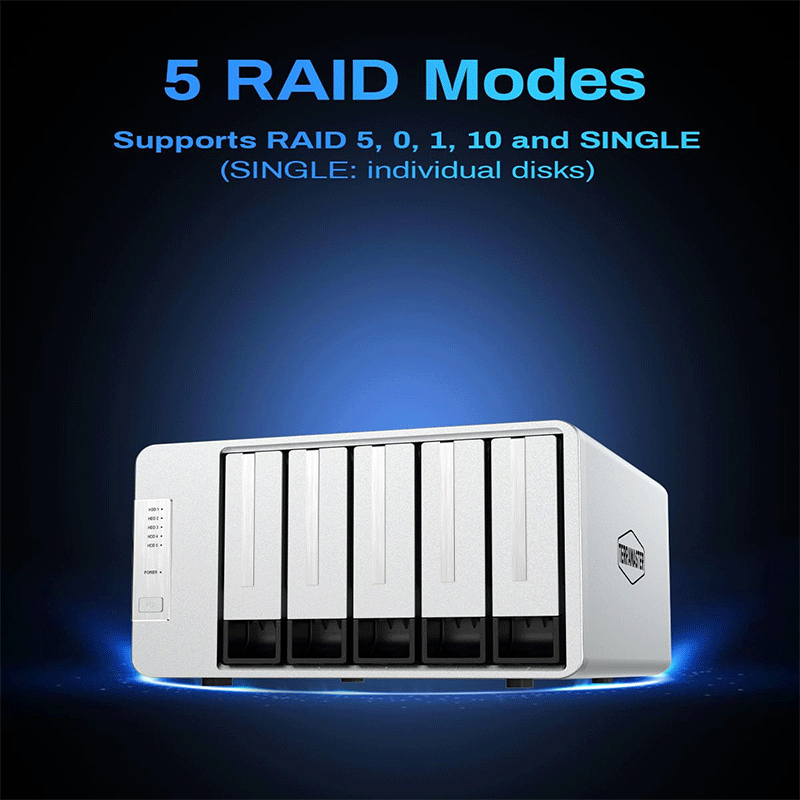
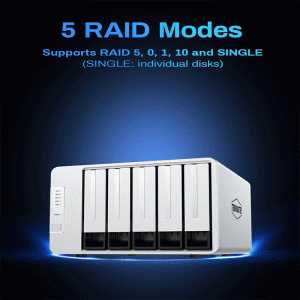
RAID modes (hardware switch): Single, RAID 0, RAID 1, RAID 5, RAID 10
-
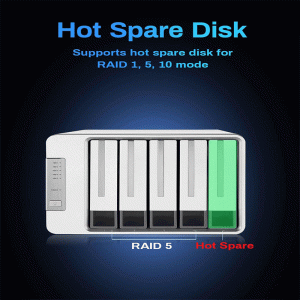
RAID hot spare: Supported (in RAID 1/5/10)
-
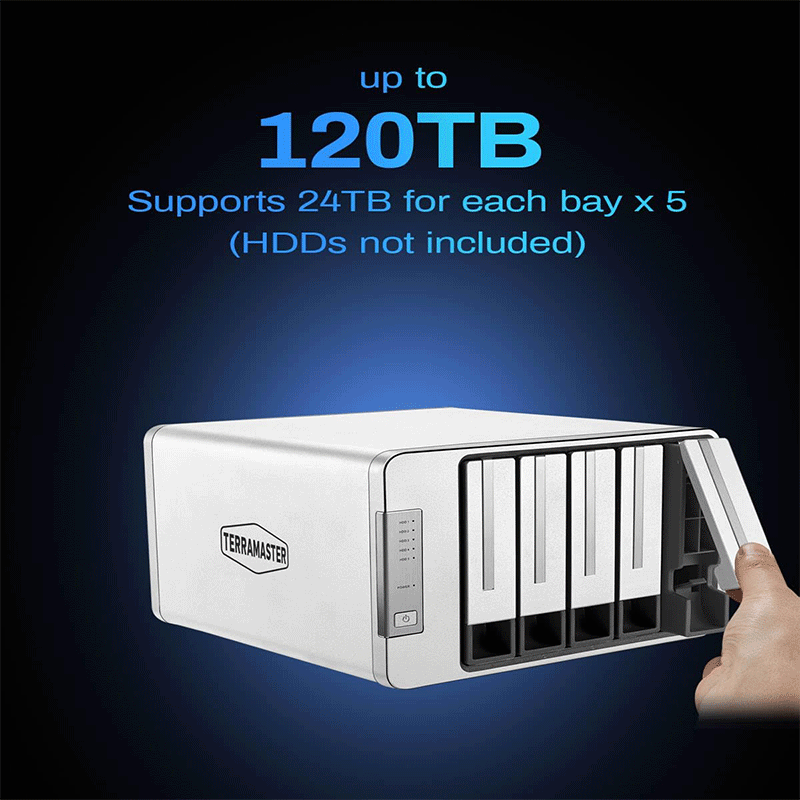
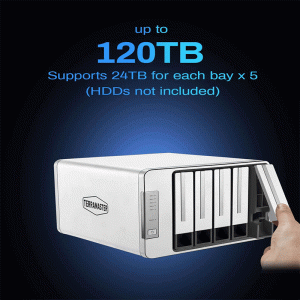
Maximum raw capacity: Up to 120 TB (5 × 24 TB)
-
SMART support: Yes
-
Fan: PWM smart‑temperature control
Interface & Formats
-
Data port: USB‑C × 1 (USB 3.1 Gen 1)
-
Included cable: USB‑A to USB‑C
-
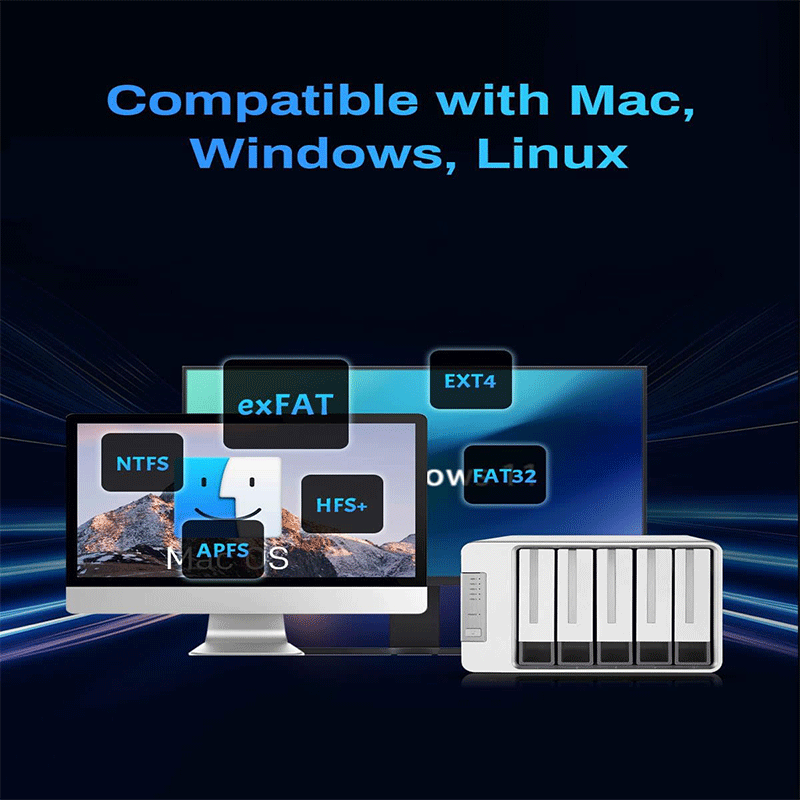
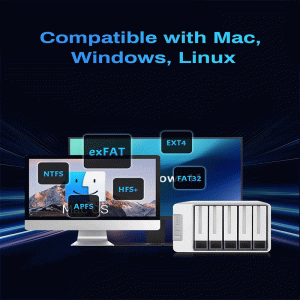
Supported file systems: NTFS, APFS, Mac OS, FAT32, EXT4, exFAT
Performance (tested)
-
RAID 5: ~231 MB/s write / ~248 MB/s read
-
RAID 0: ~238 MB/s write / ~244 MB/s read
-
RAID 1: ~188 MB/s write / ~187 MB/s read
-
RAID 10: ~241 MB/s write / ~248 MB/s read
-
Single: ~188 MB/s write / ~187 MB/s read
OS Compatibility
-
Supported: Windows 7/8/10/11, Windows Server, macOS, Linux (Ubuntu)
Physical
-
Dimensions: 227 × 225 × 136 mm
-
Weight: Net ~2.16 kg; Gross ~3.64 kg
-
Enclosure: Aluminum alloy
Power & Environment
-
Power: DC 12 V (90 W)
-
Typical consumption: ~45.5 W active / ~5.2 W idle
-
Operating temp: 0 °C – 40 °C
-
Humidity: 5 % – 95 % RH
-
Certifications: CCC, CE, FCC, UL; RoHS compliant
Package Contents
-
Host unit
-
Quick installation guide
-
Power adapter & cord
-
USB‑A to USB‑C cable (0.8 m)
Features TerraMaster d5-310
1. Flexible Hardware RAID Support
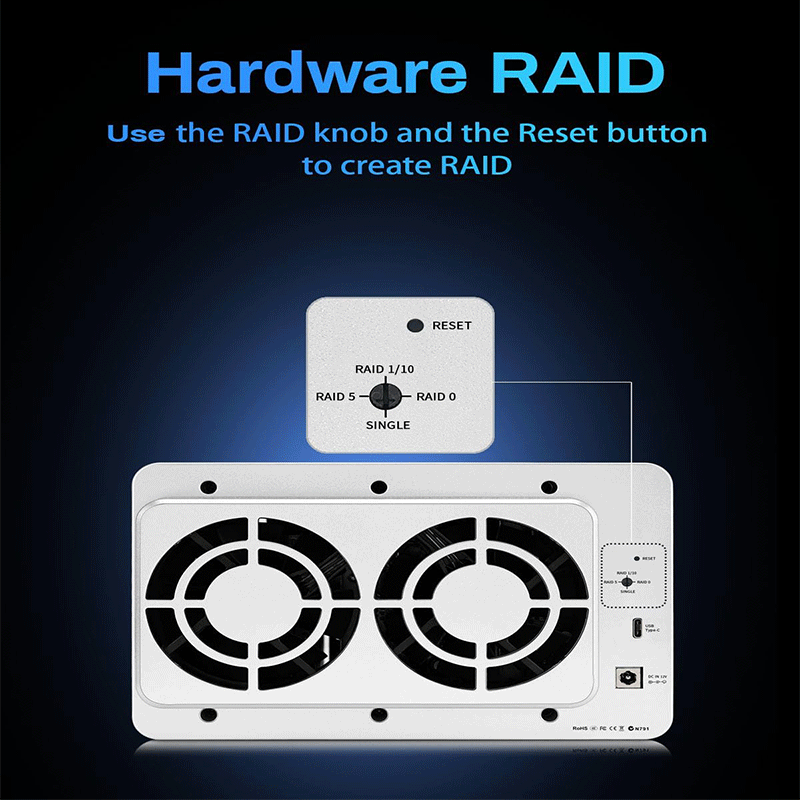
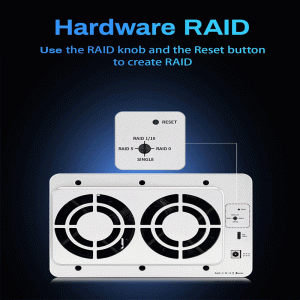
The D5‑310 includes a dedicated physical RAID mode selector on the enclosure, letting you switch between Single, RAID 0, RAID 1, RAID 5, and RAID 10 without software. This built‑in hardware RAID manages data distribution and redundancy at the device level, offering faster and more reliable performance than software‑based RAID solutions on a computer.
2. RAID Hot Spare Function
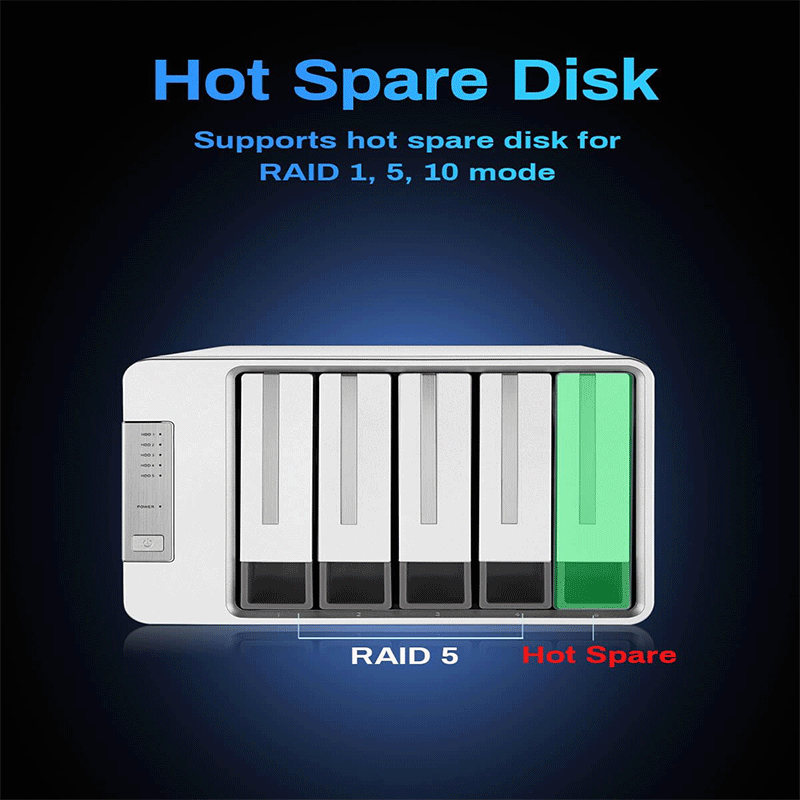
In RAID 1, RAID 5 or RAID 10 configurations, you can assign one drive as a “hot spare.” If an active drive fails, the hot spare automatically takes its place in the RAID array, reducing downtime and protecting your data by rebuilding the array immediately without manual intervention.
3. High‑Speed USB 3.1 Gen 1 Interface
The unit uses a USB‑C port with USB 3.1 Gen 1 support (up to 5 Gbps theoretical throughput). This lets you transfer large files quickly — typical real‑world speeds are around 220 MB/s, which significantly speeds up data copying and reduces workflow wait times.
4. Massive Expandable Storage (Up to 120 TB)
The enclosure can hold up to five SATA drives (3.5″ HDDs or 2.5″ SSDs). Each bay supports large drives — officially up to 24 TB each — giving you a potential total of up to ~120 TB for backups, media libraries, or large datasets.
5. Broad Operating System Compatibility
The D5‑310 works seamlessly with Windows, macOS, and Linux without needing additional drivers, making it plug‑and‑play across multiple systems and devices. This flexibility lets you use it with desktops, laptops, servers, TVs, and set‑top boxes.
6. Free Windows Backup Software
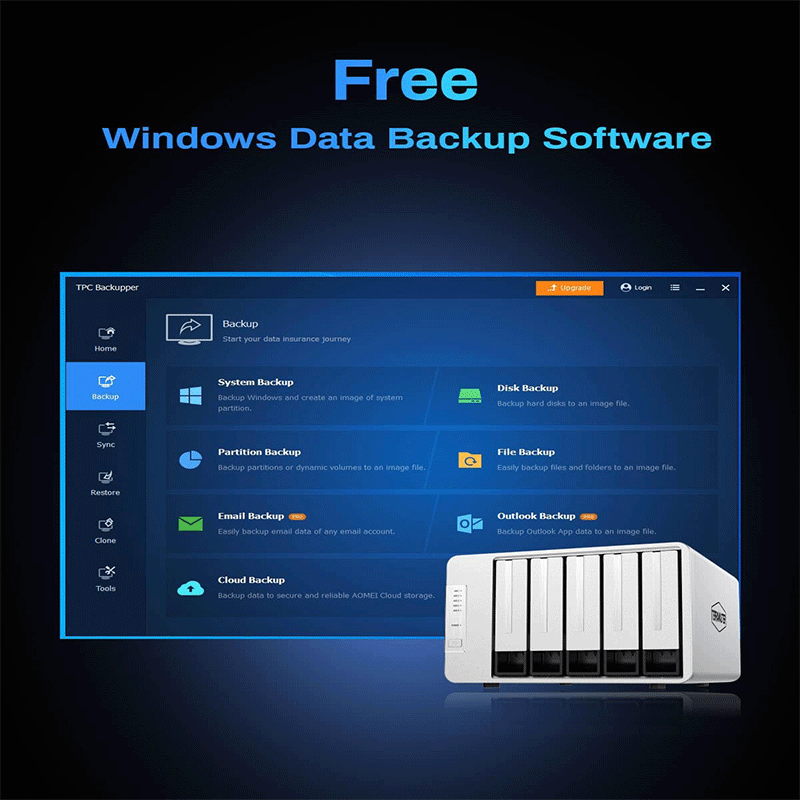
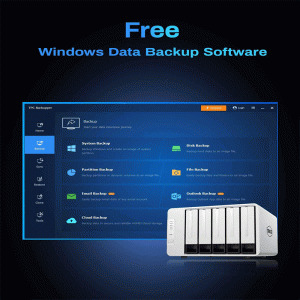
TerraMaster includes TPC Backupper — a free Windows utility that supports scheduled, incremental, and differential backups. This makes it easy to automate regular backups from your PC to the enclosure, protecting important files and simplifying backup workflows.
7. Tool‑Free Drive Bays with Push‑Lock Mechanism
Installing or swapping drives is quick and tool‑free thanks to the push‑lock trays. You just slide a drive in, and it locks securely — no screws or tools required — saving time and reducing hassle when upgrading or maintaining your storage array.
8. Smart Power & Cooling Features
The D5‑310 includes intelligent drive sleep mode (spins down disks when idle to reduce wear), temperature‑controlled cooling fan (adjusts speed based on real heat), and power‑on recovery (automatically restarts after unexpected power loss). These ensure efficient operation, quieter performance, and better drive longevity.
9. Strong Interface Compatibility
Even though it has a USB‑C port, the enclosure works with USB‑A, USB‑C, USB 3.0/3.1/3.2, Thunderbolt 3/4 hosts using the included USB‑A to USB‑C cable, giving you flexibility with different machines
Applications Use Cases
Professional & Business Use
-
Central File Storage – Store large shared files for teams (documents, project data, CAD files) without needing a full NAS.
-
Backup Server – Regularly back up multiple computers to one enclosure using RAID redundancy to protect against drive failures.
-
Media Production Storage – Hold large video/photo libraries for editing workflows (e.g., photographers, videographers) with faster access than single drives.
-
Office Document Archive – Keep long‑term records and compliance files securely with RAID protection.
Creative & Content Work
-
Video Editing Source Storage – Store and access high‑resolution video files during editing without filling up local computer space.
-
Graphic Design Asset Library – Organize huge graphic/asset files in a central place accessible from workstations.
Home & Personal Use
-
Home Media Library – Keep movies, music, and photos in one place with redundancy to protect personal memories.
-
PC/Laptop Backup – Use RAID 1 or RAID 5 to mirror backups from your personal computer for fast recovery.
-
Gaming Library Storage – Store large game libraries that might not fit on local SSDs.
IT & Technical Use
-
Test/Dev Storage Pool – Hold test environments, virtual machines, or container data for software development setups.
-
Temporary Expansion for Large Projects – Quickly add storage capacity for data‑intensive projects and remove when done.
Data Protection & Reliability
-
RAID‑Protected Storage – Use RAID 1/5/10 for redundancy so that your data stays safe even if one drive fails.
-
Hot Spare Deployment – Add a hot spare disk so array can rebuild immediately after a drive failure.
Portable Expansion Storage
-
On‑Location Storage – Bring a large pool of storage to events, shoots, or remote offices because it’s compact and connects via USB‑C.
-
Cross‑Platform Access – Share data easily between Windows, macOS, and Linux systems.
Reviews
There are no reviews yet.