Enterprise Servers
Mobile Workstation
Tower and Rack Workstation Series

DELL EMC PowerEdge Servers

HPE ProLiant Servers


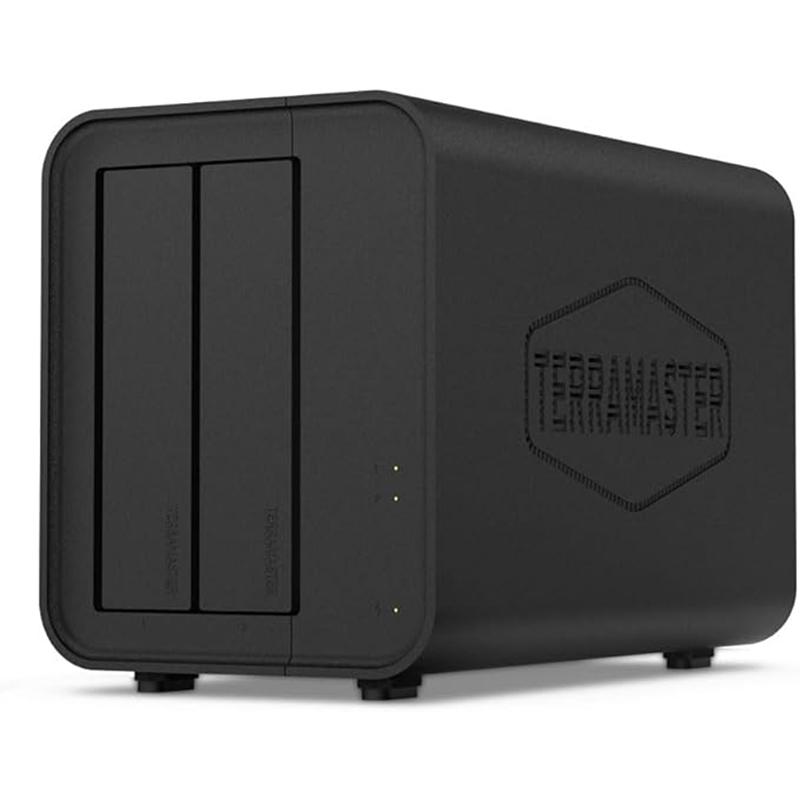
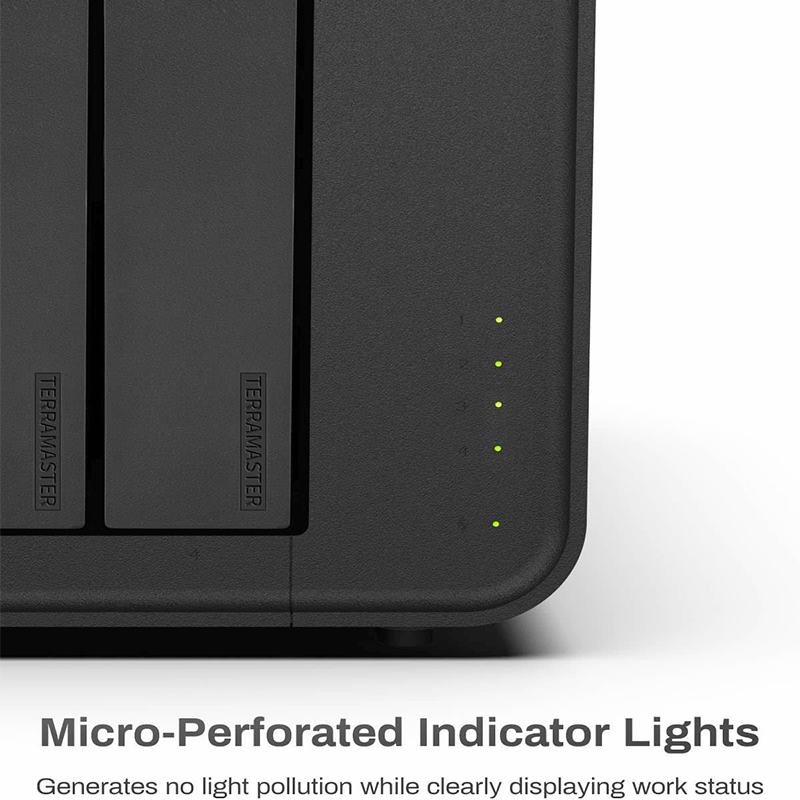

2‑Bay DAS Enclosure: Holds 2 SATA HDDs or SSDs (3.5″/2.5″).
High-Speed USB‑C: USB 3.2 Gen 2 interface, up to 10 Gbps transfer.
Hardware RAID Support: RAID 0, RAID 1, JBOD, Single Disk.
Large Capacity: Up to ~44 TB total (22 TB per drive).
Tool‑Free Drive Installation: Easy push-lock trays for quick swap.
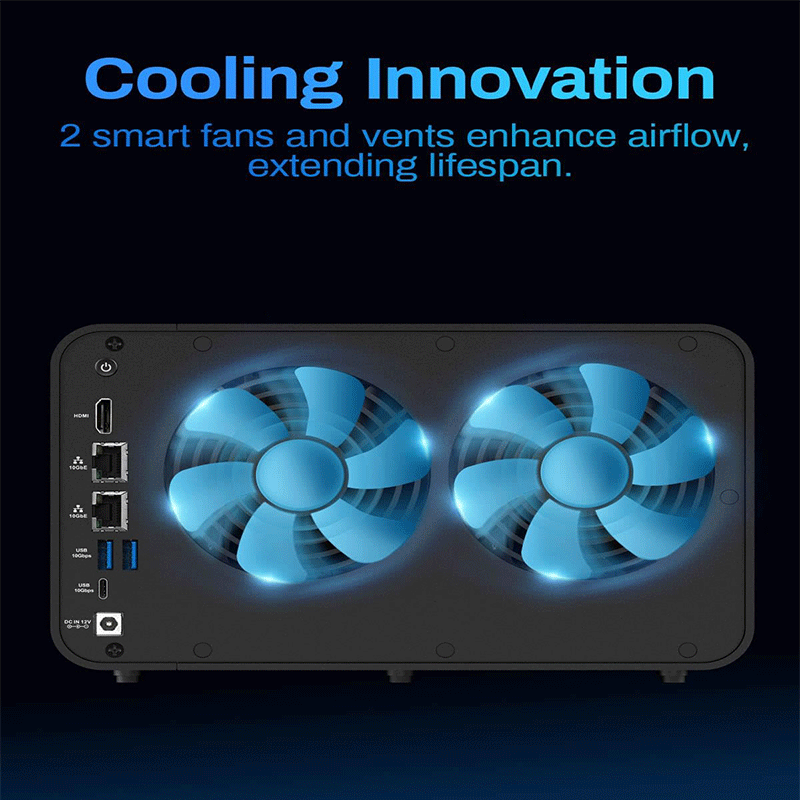
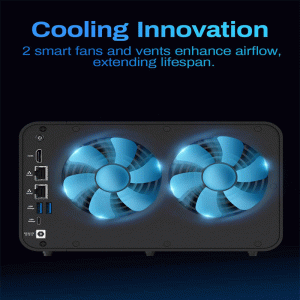
Smart Cooling: Temperature-controlled fan for quiet operation.
Wide Compatibility: Works with Windows, macOS, Linux.
Portable & Versatile: Suitable for backups, editing, and external storage expansion.
Drive Bays: 2 (supports 3.5″ and 2.5″ SATA HDD/SSD)
Maximum Internal Raw Capacity: Up to 44 TB (22 TB per drive)
RAID Modes Supported:
• SINGLE DISK
• JBOD
• RAID 0
• RAID 1 (hardware‑based)
Hardware RAID: Yes (auto‑rebuilding supported)
External Interface: USB 3.2 Gen 2 Type‑C (10 Gbps)
File System Support: NTFS, APFS, macOS, FAT32, EXT4, exFAT
Max Transfer Speeds (theoretical):
• Read up to ~1075 MB/s (2× SSD RAID 0)
• Write up to ~956 MB/s (2× SSD RAID 0)
Dimensions: 222 × 119 × 154 mm
Weight: ~1.3 kg (net) / ~2.1 kg (with packaging)
Cooling: 80 mm smart temperature‑controlled fan
Noise Level: ~23.8 dB(A) under load
Power Supply: 40 W (AC 100‑240 V, 50/60 Hz)
Operating Temperature: 0 °C to 40 °C
Supported OS: Windows, macOS, Linux
Certifications: CE, FCC, CCC, KC; RoHS compliance
Package Includes: D2‑320 enclosure, USB‑C cable, power adapter, screws, quick guide
High‑Speed USB 3.2 Gen 2 Interface – The D2‑320 uses the fast USB 3.2 Gen 2 (10 Gbps) connection standard, allowing very quick data transfer between the enclosure and your computer or compatible host device. With fast drives (especially SSDs), real‑world transfer speeds can exceed 1000 MB/s in RAID 0 mode, which is excellent for large file transfers like videos and backups.
Flexible Hardware RAID Support – It has a built‑in hardware RAID controller that supports RAID 0 (performance), RAID 1 (mirroring for redundancy), JBOD (each drive separate), and Single Disk modes. This gives you a choice between maximum speed, data protection, or just simple storage. In RAID 1, data is mirrored automatically across both drives, helping protect your files if one drive fails.
Large Storage Capacity – You can install two SATA drives (3.5″ or 2.5″ HDD or SSD), with each drive supported up to about 22 TB, giving up to 44 TB of total raw space. That’s plenty for large photo/video libraries, backups, or media collections.
Tool‑Free, Push‑Lock Drive Bays – The drive trays are tool‑free and use a unique Push‑Lock design so you can install or swap disks in seconds without screws. This is very convenient if you change drives often or test different configurations.
Intelligent Cooling & Quiet Operation – An intelligent temperature‑controlled fan adjusts its speed based on how hot the drives are, helping keep them cool without unnecessary noise. Optimized internal airflow and sound‑absorbing design help keep operating noise low even under heavy use.
Broad Compatibility – The included USB‑C connection and cable work not just with USB‑C ports but also with devices that support USB 3.x and Thunderbolt interfaces, making it flexible with many modern computers and mini‑PCs.
Power Protection & Disk Sleep – The D2‑320 supports a disk sleep function that reduces workload and power use when the drives are idle, extending their lifespan. It also includes basic power‑input protection to help safeguard against improper power supply use.
Optional NAS Expansion – On compatible TerraMaster NAS units (running sufficiently recent firmware), you can attach the D2‑320 via USB and integrate its storage into NAS pools or arrays. This makes it more than just a simple DAS in certain setups.
1. External High‑Capacity Storage
Use the D2‑320 as a large external drive for storing files, photos, videos, and archives. With up to ~44 TB capacity, it’s ideal for people who need more space than typical USB thumb drives or small SSDs offer.
Best for: photographers, videographers, content creators, and anyone with big file collections.
2. Fast Backup Solution
You can configure the drives in RAID 1 (mirroring) to keep two copies of your data. This protects your files if one drive fails.
Best for:
System backups
Office documents and important records
Family or business critical data
3. Scratch Disk for Video/Photo Editing
In RAID 0 mode (striping), the D2‑320 delivers very high transfer speeds (especially with SSDs). This makes it excellent as a scratch disk or working drive for editing large video files or high‑resolution photos.
Best for:
Adobe Premiere, DaVinci Resolve, Final Cut Pro
Large RAW photo workflows
4. Expand Storage for Laptops & PCs
Many laptops and small PCs have limited internal storage. The D2‑320 lets you expand storage externally without opening your machine.
Best for: users with lightweight laptops, ultrabooks, or small form‑factor PCs.
5. Archival Storage & Long‑Term Repositories
Since drives are easy to swap and the enclosure supports tool‑free installation, the D2‑320 works well as a cold storage archive — you can keep finished projects on offline drives and swap them as needed.
Best for: media professionals, studios, and archiving tasks.
6. Portable Storage for Workflows
Because it uses USB‑C with USB 3.2 Gen 2 (10 Gbps), you can move the D2‑320 between computers and still keep high performance and large capacity.
Best for: freelancers or teams who work on multiple computers.
7. NAS Storage Extension (Advanced)
On some compatible TerraMaster NAS models, the D2‑320 can be attached via USB and the NAS can use its disks as additional storage pools. This turns it into networked storage indirectly (NAS host must support it).
Best for: TerraMaster NAS owners who need easy expansion.


Reviews
There are no reviews yet.