Enterprise Servers
Mobile Workstation
Tower and Rack Workstation Series

DELL EMC PowerEdge Servers

HPE ProLiant Servers


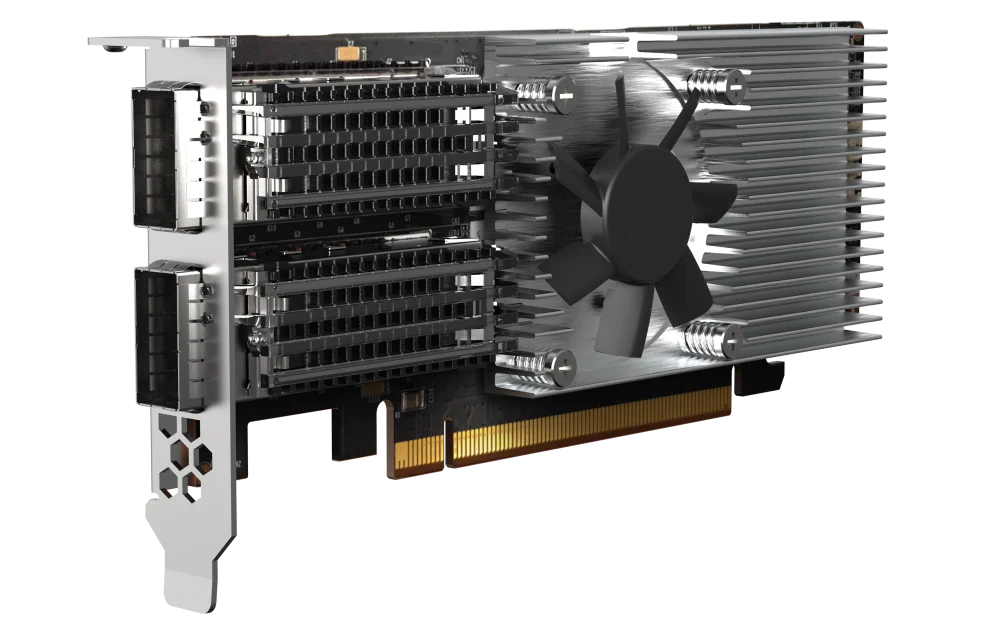
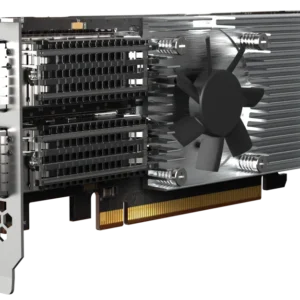
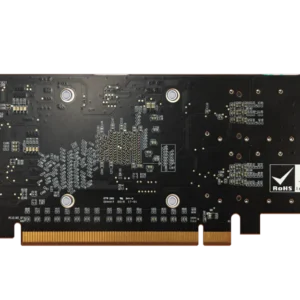
The QNAP QXG-100G2SF-E810 2-Port PCIe Network Interface Card supports PCIe 4.0 and provides up to 100Gbps bandwidth to overcome performance bottlenecks. With iWARP/RDMA and SR-IOV support (available soon), the QXG-100G2SF-E810 capabilities improve network efficiency and making it ideal for I/O-intensive and latency-sensitive virtualisation and data centres. The QXG-100G2SF-E810 is a perfect match for all-flash storage to realise the highest performance potential for ever-demanding IT challenges.
The QXG-100G2SF-E810 supports Forward Error Correction (FEC) to overcome packet loss – a potentially common occurrence in fast, long-distance networks. FEC helps the receiving side detect and recover lost data to correct bit errors, thus ensuring reliable data transmission over “noisy” communication channels.
By implementing FEC in three different modes, you can optimize your network environment.
The transmitter (source) and the destination (receiver) must use the same mode. If the QXG-100G2SF-E810 cannot connect to the switch, please check if the latest firmware of the switch supports FEC. If FEC is not supported by the switch, the FEC function of the NIC should be disabled using the NAS or computer operating system.
The QXG-100G2SF-E810 network expansion card can be connected to a switch either with a QSFP28 cable or a QSFP28 to four (4) SFP28 cable for high-performance, low-latency data centres. ou can also configure network redundancy to achieve network failover via the switch for continuous service and high availability.
Use a 100GbE switch. Set one 100GbE connection as the main route and the other 100GbE as a backup route.
Use a 25GbE switch and two (2) QSFP28 to four (4) SFP28 cables to connect the 100GbE port on the QXG-100G2SF-E810 to four (4) 25GbE ports on the switch. Set a group of connections as the main route and the other as a backup route.
Use two (2) QNAP 10GbE switches and two (2) QSFP28 to four (4) SFP28/SFP+ cables to connect the 100GbE port on the QXG-100G2SF-E810 to four (4) 10GbE ports on the switches. Set a group of connections as the main route and the other as a backup route.
Use a 25GbE switch and a QSFP28 to four (4) SFP28 cables to connect the 100GbE port on the QXG-100G2SF-E810 to four (4) 25GbE ports on the switch. Note: The breakout cable must be connected to the 100GbE port nearest to the gold finger.
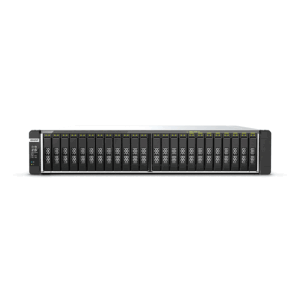
Supporting twenty-four (24) U.2 NVMe Gen 3 x4 SSDs, QNAP’s flagship TS-h2490FU NVMe all-flash storage features a PCIe Gen 4 x16 slot that enables the QXG-100G2SF-E810 to fully realize 100Gbps performance and eliminate bottlenecks in modern data centers, virtualization, cloud applications, and mission-critical backup/restore tasks.
Besides QNAP devices, the QXG-100G2SF-E810 supports many platforms (including Windows Server 2016 and 2019, and Linux/Ubuntu) allowing you to attain optimal business performance for a wider range of system applications and services. The higher bandwidth density with reduction in links helps reduce cabling footprint and operational costs.
Faster server connections within data centres accelerate data aggregation and operational performance.
Boost the productivity of compute-demanding tasks such as cloud computing, virtual machines, containers, and more.
Empower the movement of large files from surveillance streams, 4K/8K media, Internet of Things, and more.


Reviews
There are no reviews yet.