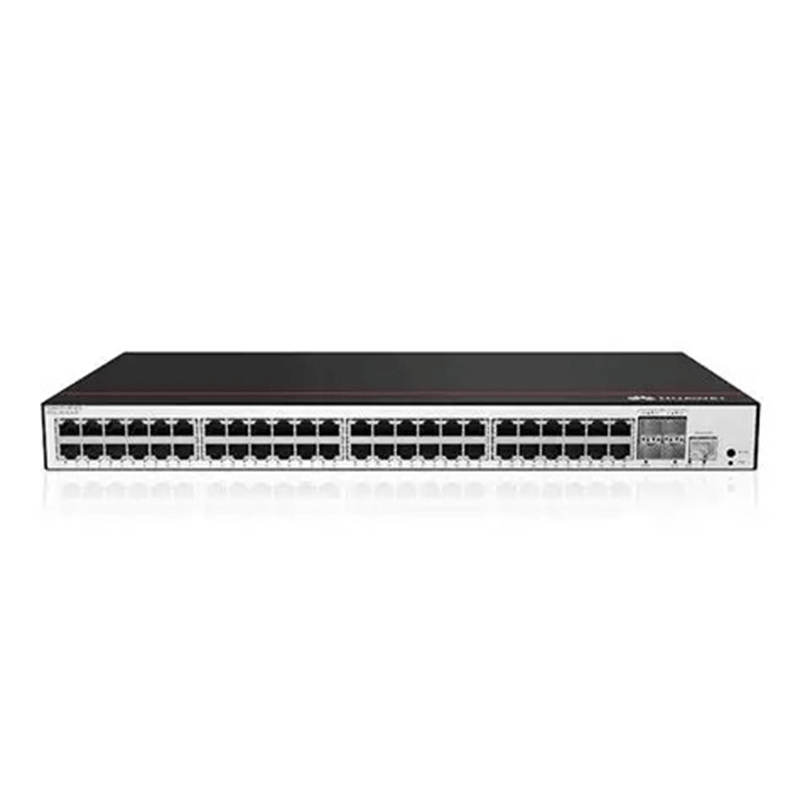
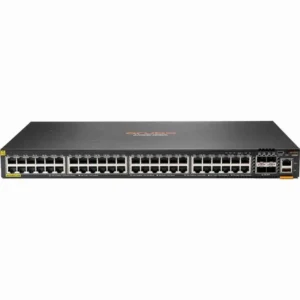
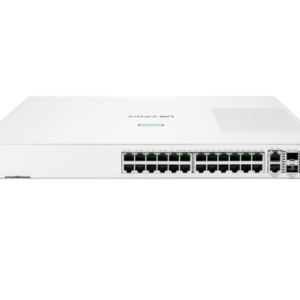
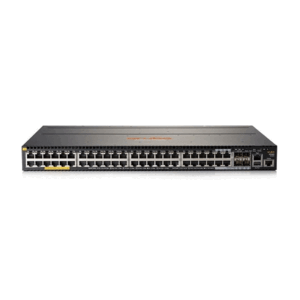
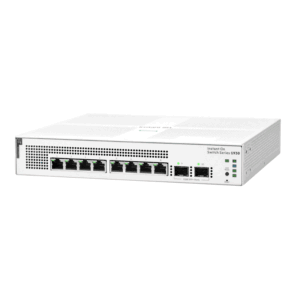
Huawei CloudEngine S5735-L48P4XE-A-V2 switch with 48-port 1000BASE-T, 4-port 10GE SFP+, 2-port 12GE stack, PoE+, with 2 power slots
Description
The Huawei S5735-L48P4XE-A-V2 belongs to the Huawei S5735 series of Layer 3 managed switches. This series is designed to provide high-performance, secure, and scalable solutions for enterprise networks. Featuring 48 × 1GE RJ45 ports and 4 × 10GE SFP+ uplink ports, this switch delivers high-speed connectivity for businesses requiring efficient data transmission. The S5735-L48P4XE-A-V2 ensures high reliability and
minimizes network downtime.
Its robust design includes 4 fan boxes and a front-side airflow configuration, making it an excellent choice for network environments requiring optimal cooling and airflow. The switch is also engineered to support various security features, such as access control and data encryption, to help protect your enterprise’s network from security threats. Enterprises can efficiently configure and monitor the network, ensuring optimal performance and uptime
Key Specifications
- Model: S5735-L48P4XE-A-V2
- Part Number: 98012120
- 48 × 10/100/1000BASE-T PoE+ ports: Supports Power over Ethernet Plus for powering devices like IP phones and cameras.
- 4 × 10GE SFP+ uplink ports: High-speed fiber uplinks for aggregation or core connectivity.
- 2 × 12GE stack ports: Enables stacking multiple switches for simplified management and scalability.
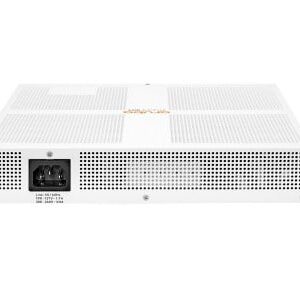
- 1 × AC power module slot: Supports PAC1000S56-EB modules for reliable power supply
- Power: PoE+ support, 1 × AC power module slot (compatible with PAC1000S56-EB)
- Management Interfaces: 1 × Console port and 1 × USB port
- Buttons: MODE button, PNP button (used for resetting or restoring factory settings)
- Grounding: Equipped with a ground screw for safety
| 1 | Forty-eight 10/100/1000BASE-T PoE+ ports | 2 | Four 10GE SFP+ ports |
| 3 | Two stack ports | 4 | One console port |
| 5 | One USB port | 6 | One MODE button |
| 7 | One PNP button
NOTICE: To restore the factory settings and reset the switch, hold down the button for at least 6 seconds. To reset the switch, press the button. Resetting the switch will cause service interruption. Exercise caution when you press the PNP button.
|
8 | Ground screw
NOTE: It is used with a ground cable.
|
| 9 | Power module slot
NOTE: Applicable power modules:
|

Advantages
Performance & Connectivity
- High Port Density: Equipped with 48 10/100/1000BASE-T PoE+ ports and 4 10GE SFP+ uplink ports, allowing for extensive device connectivity.
- Stacking Capability: Includes 2 × 12GE stack ports for flexible network expansion and simplified management.
Power Efficiency
- PoE+ Support: Delivers Power over Ethernet Plus (PoE+), ideal for powering IP phones, cameras, and wireless access points directly through Ethernet cables.
- Energy-Saving Design: Features dual AC power supplies that are 80 Plus certified, ensuring high energy efficiency and reduced power consumption.
Reliability & Security
- Redundant Power Modules: Supports hot-swappable power modules for uninterrupted operation and enhanced reliability.
- Advanced Security Features: Includes robust security protocols and access control mechanisms to protect network integrity (details available in full datasheet).
Manageability & Flexibility
- Console & USB Ports: Offers multiple management interfaces including console and USB ports for easy configuration and maintenance.
- PNP Button: Simplifies deployment with Plug-and-Play functionality, reducing setup time
Application Use Cases
- Enterprise Access Layer: Ideal for connecting end-user devices in large enterprise networks, offering high-density gigabit access with Power over Ethernet Plus (PoE+).
- IP Surveillance: Supports PoE+ on all 48 ports, making it suitable for powering IP cameras directly through Ethernet cables.
- Wireless Access Points: Provides sufficient power and bandwidth to support multiple wireless APs, enabling seamless Wi-Fi coverage.
- Stacking for Scalability: Equipped with 2 × 12GE stack ports, allowing multiple switches to be stacked and managed as a single unit for simplified network expansion.
- Smart Campus Networks: Used in smart campuses for unified management, high reliability, and flexible deployment.


Reviews
There are no reviews yet.